
This week’s useful stuff has a little of everything for the modern software product designer. Enjoy and share alike please!
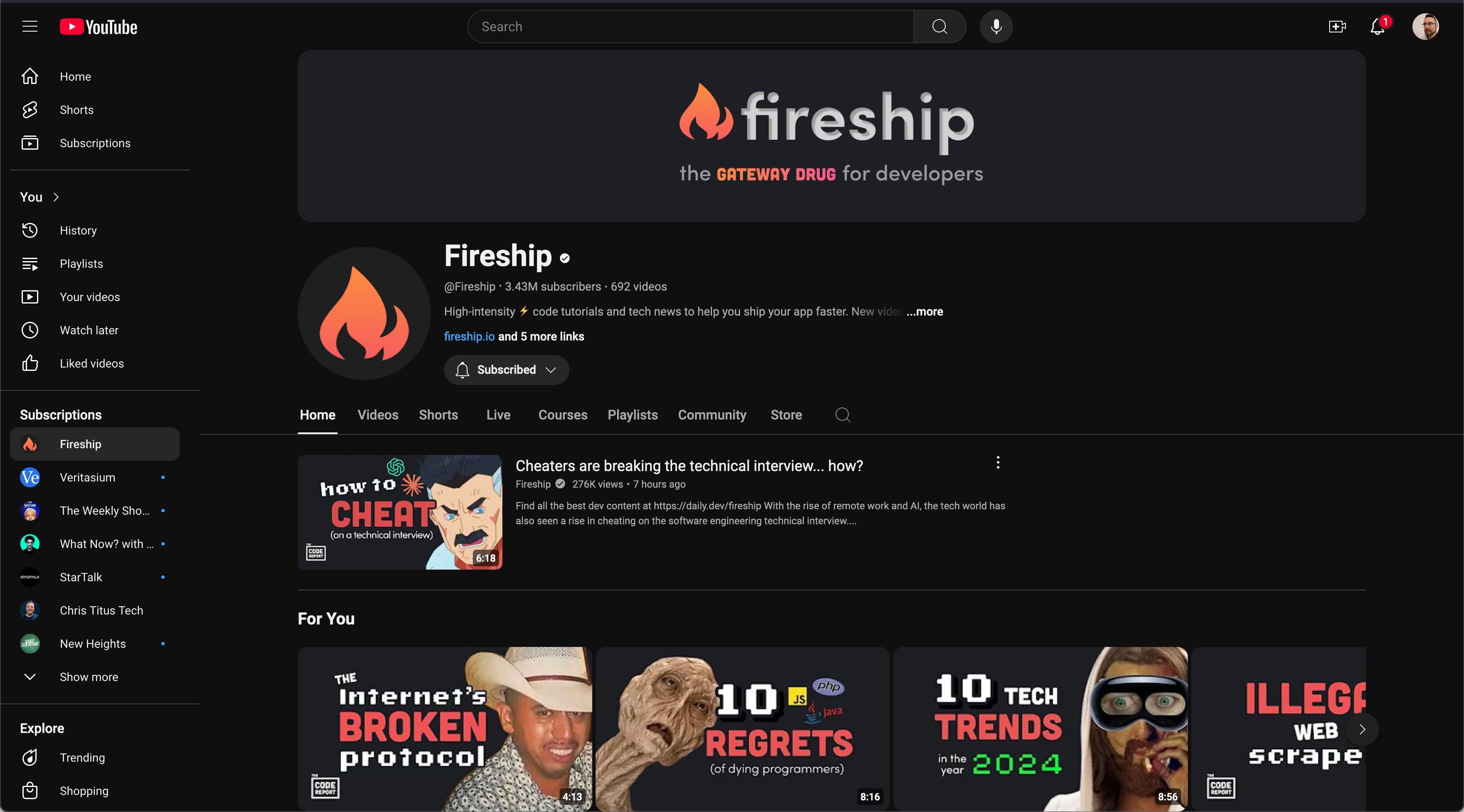
Fireship.io, more specifically their YouTube channel, is the highlight this week. If you prefer learning through bite-sized, entertaining videos, Fireship is a must-follow YouTube channel. It covers a wide array of topics, from web development and programming to design principles and software architecture, all explained in a witty, engaging way. The information is relevant to professionals who build software products, whether you are an engineer or a designer, the content is fantastic. I have been following religiously for over a year now and have found something useful in every single video.
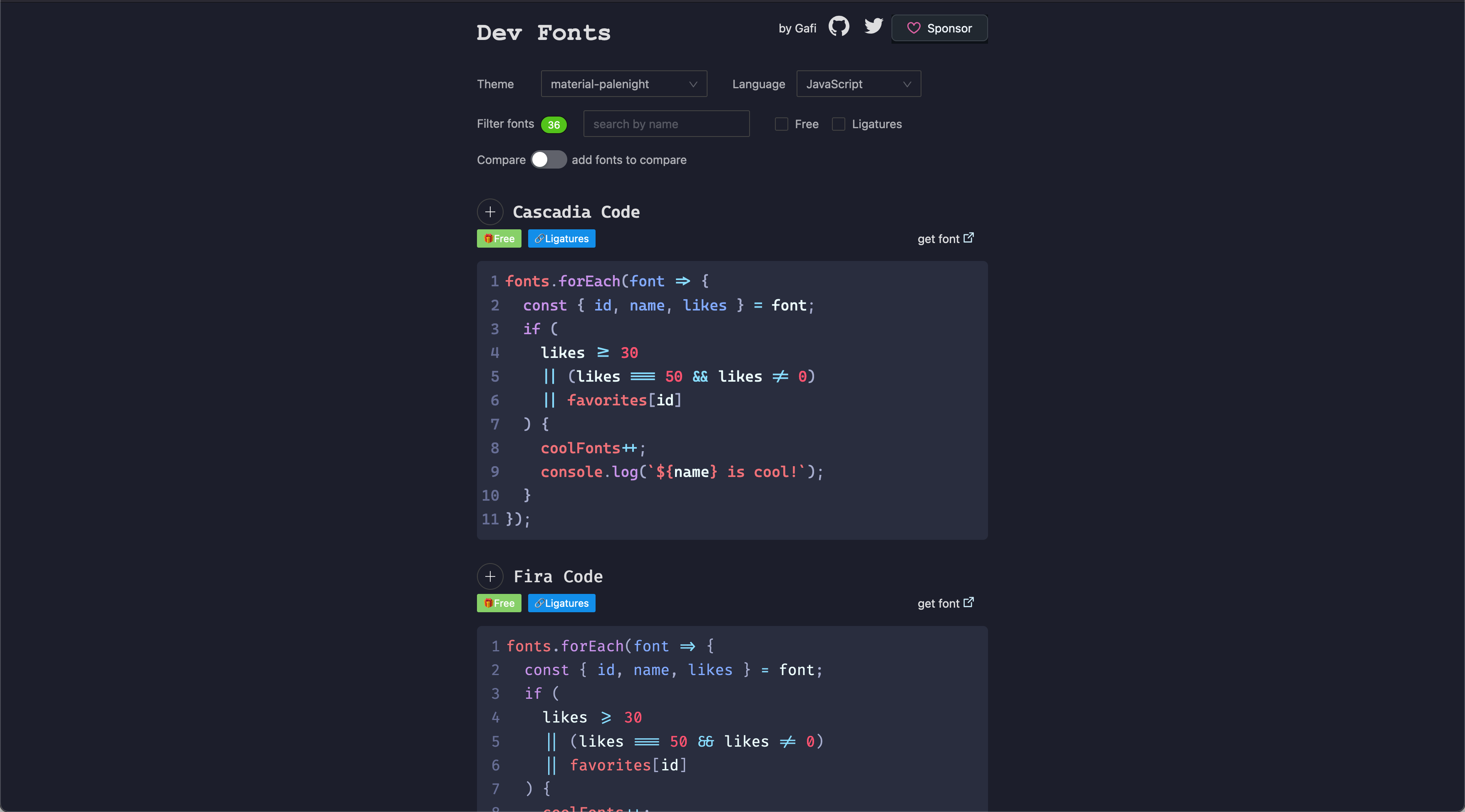
Product designers have a different diversity of projects then our digital commercial design kin. This sometime requires different resources for things like fonts. Viewing code within product documentation and using code tools like Monaco requires product designers to use monospace fonts from time to time. Dev Fonts provides a convenient way to preview, compare, and download monospaced and bitmap fonts that you can use in your projects. I am sure there are many uses! Go design some.
Link: github.com/collections/design-essentials
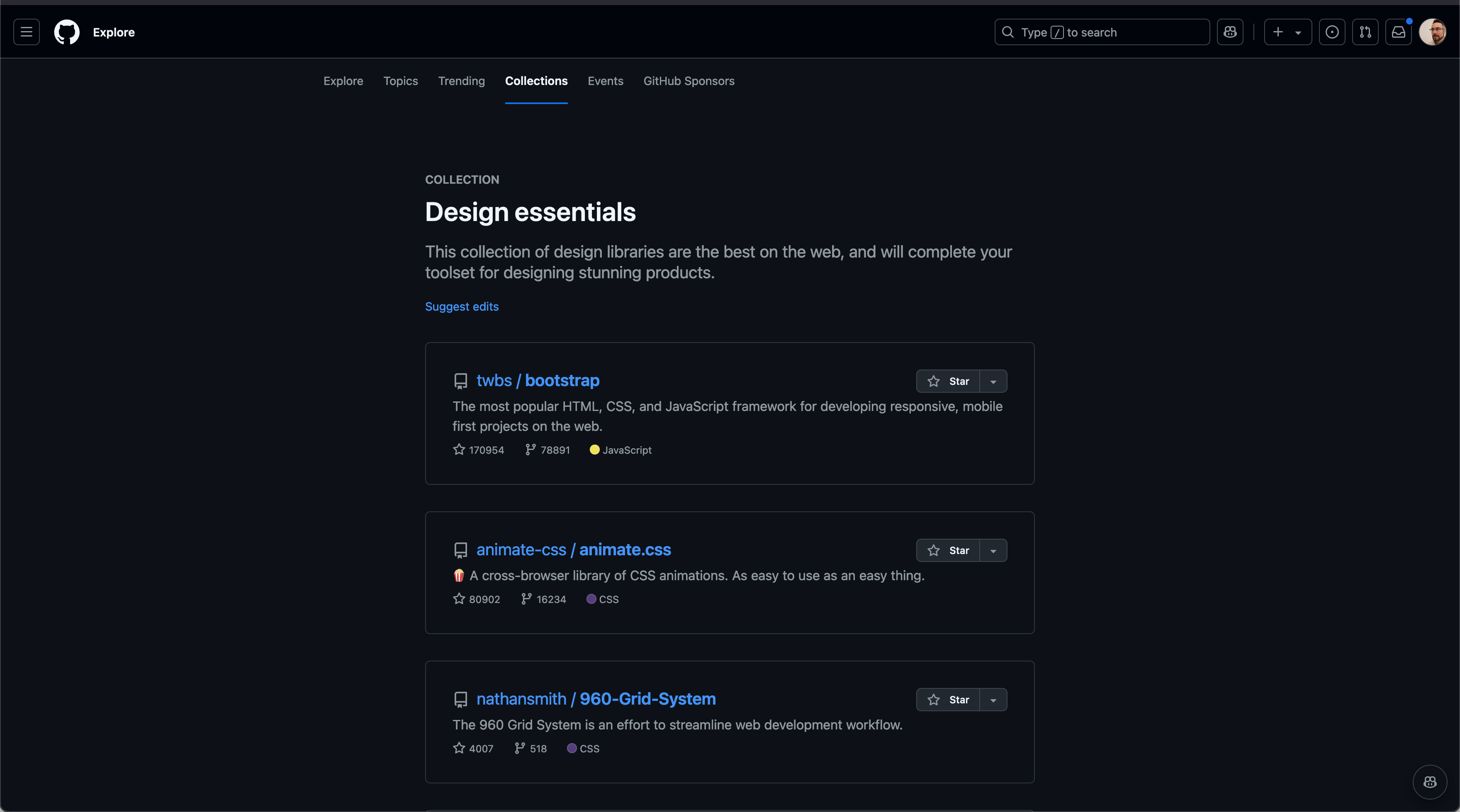
GitHub is a untapped resource for so many things related to digital design and software product design. This specific GitHub collection is a treasure trove of design tools, frameworks, and resources. From user interface kits and typography tools to accessibility checkers, this curated list has everything a budding product designer needs to create thoughtful, user-friendly designs.
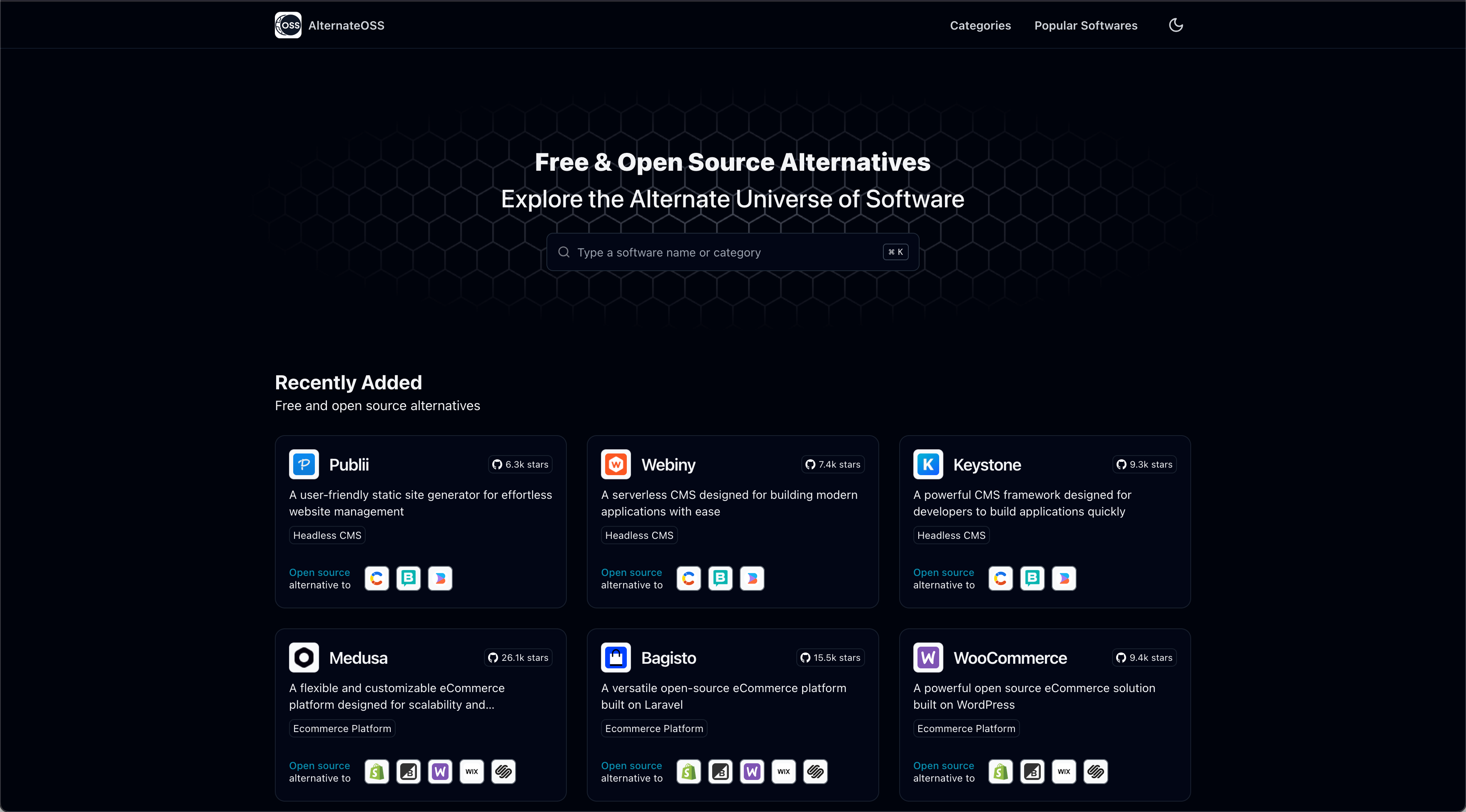
Open-source alternatives are how I built my first product design company. The biggest issue is they get little recognition in major technology circles. I spent endless nights searching the internet looking for resources. Alternate OSS provides a simple but searchable database of tools that can replace expensive or proprietary software, making your development journey more budget-friendly. The use-experience of this site is a fantastic in contrast to it’s ilk which makes me want to use it more than AlternativeTo
Useful tidbits from around the web that are sure to help you in your digital product design ventures. Have a wonderful week!
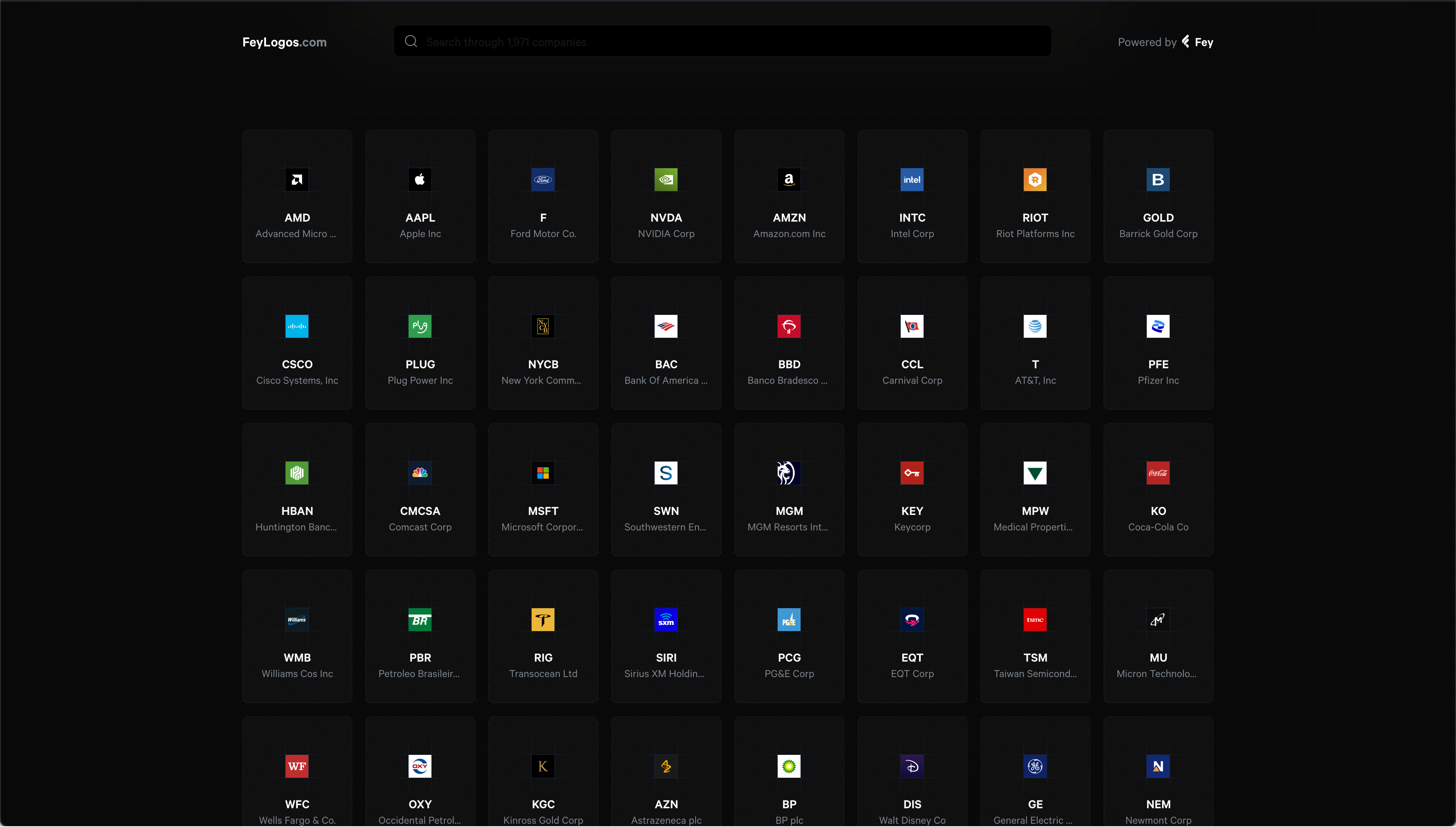
Have you ever found yourself in dire need of high-quality company logos, only to be stuck with pixelated messes? Say hello to Fey, a finance application that’s like a superhero for designers and developers in the financial tech space. What’s their superpower? They’ve meticulously gathered SVG logos of publicly traded companies and placed them all in one easily accessible online vault. Imagine having the crispest, cleanest logos at your fingertips - quite the resource when deadlines loom large!
But here’s the catch - snagging the entire collection isn’t as quick as a superhero zipping across the sky. This slow reveal seems intentional, a bit of a tease when you’re after more than just a handful of logos. Nevertheless, for those in the FinTech design world, Fey is akin to finding a map where “X” marks the spot of endless creative treasure.
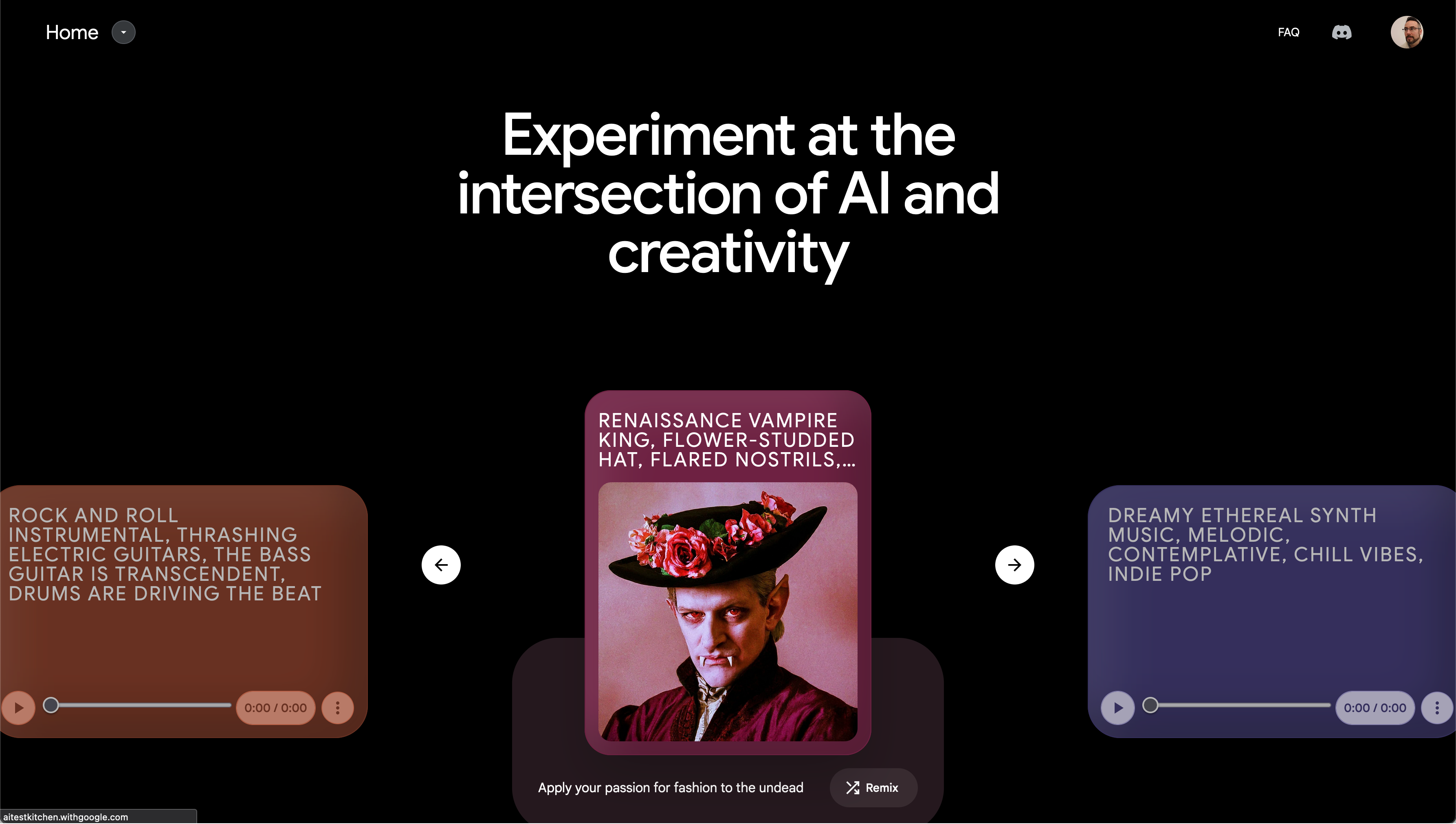
https://aitestkitchen.withgoogle.com
Diving headfirst into AI, I’ve explored various platforms, but Google Labs has something special brewing. It’s like stepping into a futuristic lab where innovation meets imagination. Their tools don’t just compete with the likes of Midjourney and ChatGPT; they invite you to a whole new realm of possibilities.
With ImageFX, I whipped up backgrounds for product mock-ups that made my designs move forward much more quickly. TextFX, on the other hand, was like having a creative muse on call, offering fresh perspectives on my ideas. If you’re curious about pushing the boundaries of AI in creativity, Google Labs is your go-to digital sandbox.
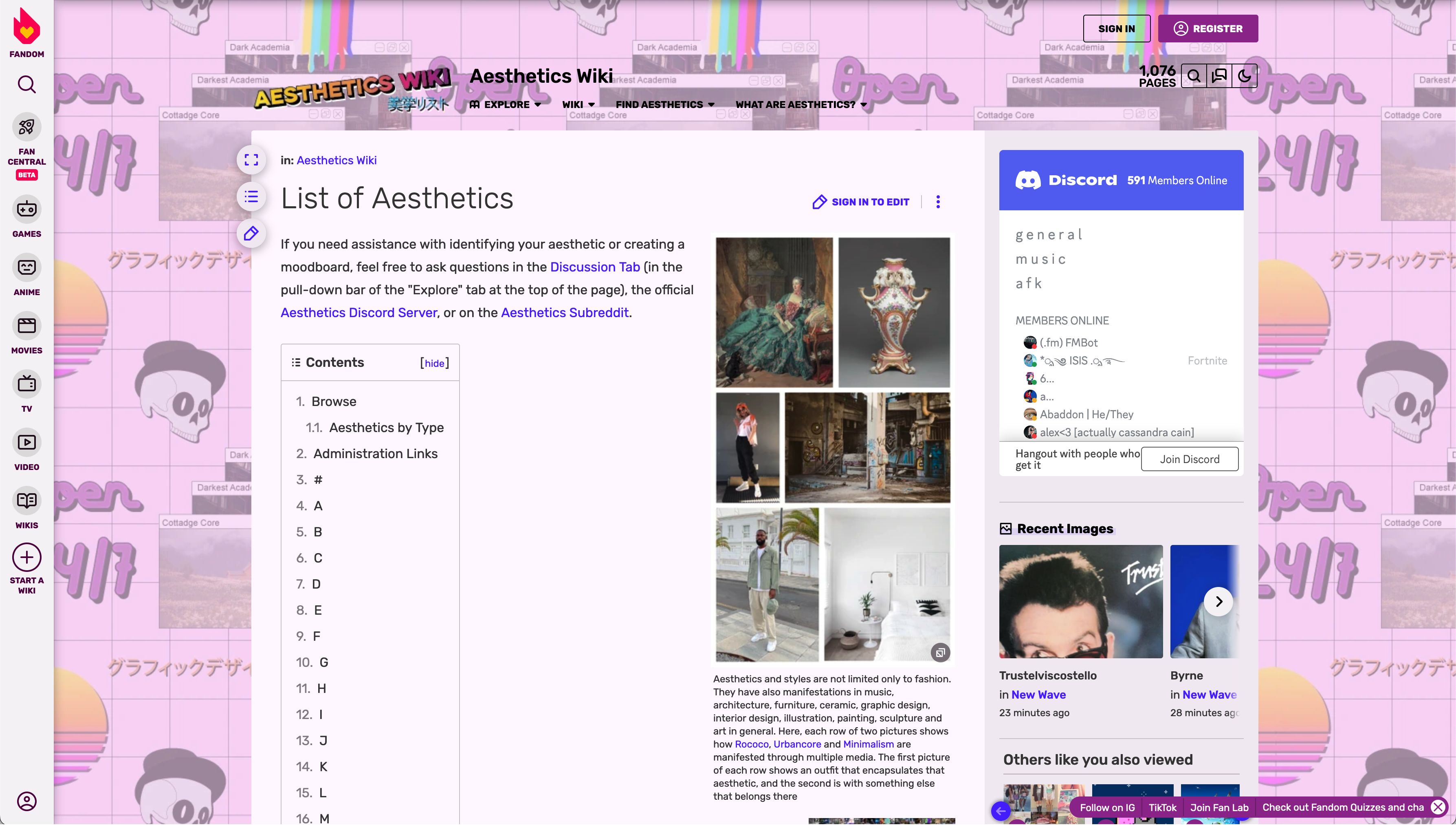
https://aesthetics.fandom.com/wiki/List_of_Aesthetics
Stumbling upon the Aesthetic Wiki was like discovering a secret garden of inspiration. This treasure trove has been my go-to for sparking creativity, helping me craft inspiration boards that bridge the gap between digital dreams and analog realities.
For the digital designer weaving through the ever-evolving landscape of aesthetics, this resource is a lighthouse guiding you through the fog of creative blocks. Keep it bookmarked; it’s the compass you didn’t know you needed.
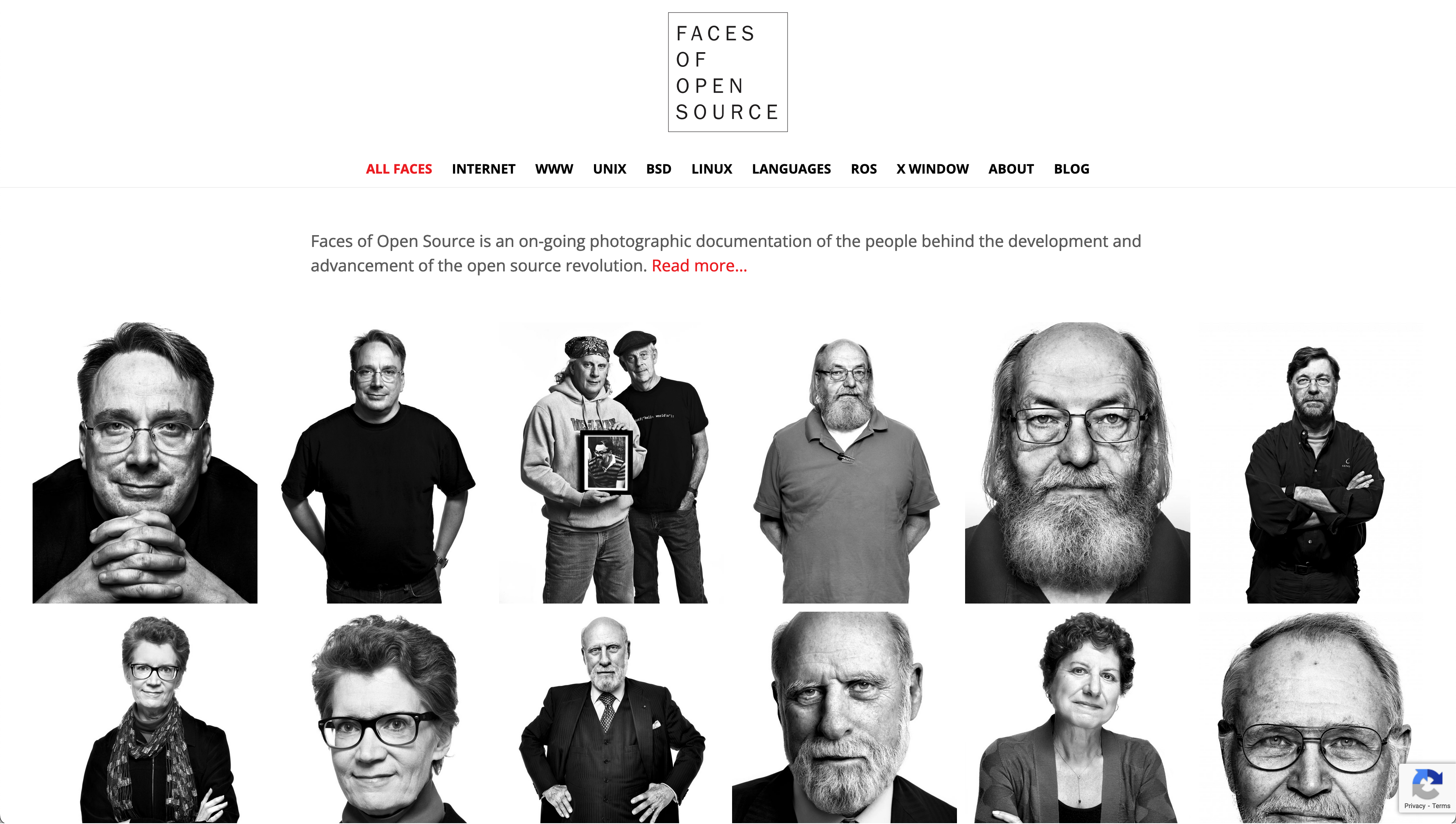
https://www.facesofopensource.com/
Faces of Open Source is a portal into the lives of the unsung heroes who’ve shaped the digital world. Peter Adams, an artist with a lens for the revolutionary, offers us a glimpse into the essence of the open source community.
This project isn’t just a gallery of faces; it’s a narrative of innovation, a reminder of the giants on whose shoulders modern technology stands. For anyone who’s ever marveled at the magic of MacOS or the wonders of the web, this site pays homage to the architects of our digital foundations. Dive in, and you’ll emerge with a newfound appreciation for the pioneers who paved our digital pathways.
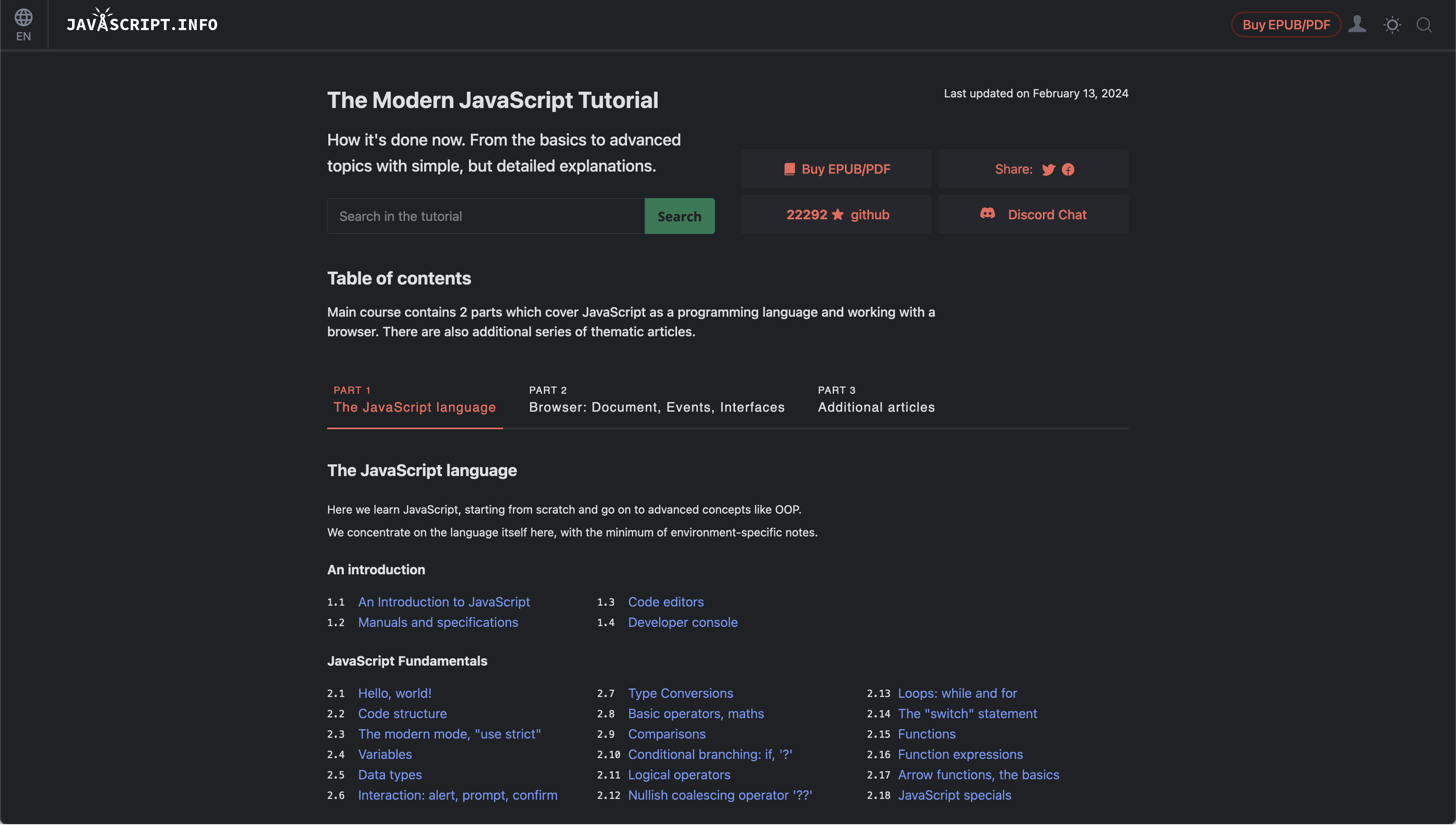
In the vast sea of programming knowledge, JavaScript.info stands out as an island of wisdom. Whether you’re deciphering the mysteries of syntax or navigating the nuances of language usage, this resource is like having a sage by your side.
For those who venture into the realms of JavaScript, whether you’re crafting the next digital masterpiece or debugging the labyrinth of code, JavaScript.info is your beacon of knowledge. It transcends the basics, offering deep dives into the heart of JavaScript that other references merely skim the surface of.
Hey, everyone! Welcome to the second week of 2024 – and guess what? I’m dusting off my keyboard and bringing back the Weekly Web Find, something I haven’t done in over three years. Think of it as my new year’s resolution, but with a techy twist!
This revival is all about being open, thoughtful, and consistent in the digital treasures I share with you. It’s a fresh start, a new chapter, and I’m thrilled to dive into this with all of you.
So, here’s to a year brimming with digital discoveries and inspirational gems. Can I stick to this resolution? There’s only one way to find out! Happy New Year, everyone – let’s kick off this adventure together and uncover the wonders the web has in store for us!
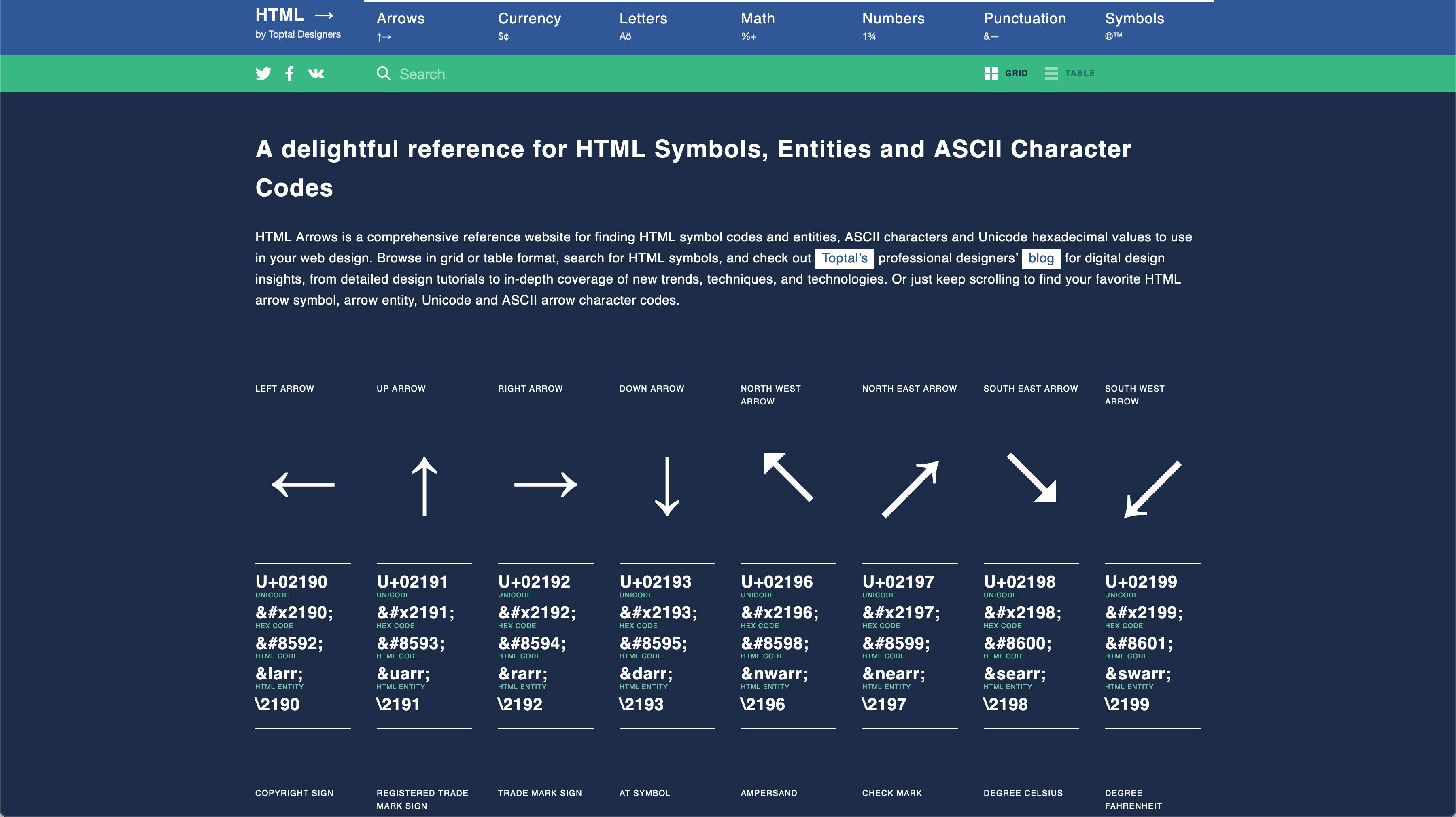
https://www.toptal.com/designers/htmlarrows/
I was doing some front-end code the other day and I needed the HTML code for a semi-colon. This being one of those HTML glyphs that is not ever top of mind, I needed to find a reliable reference, that I could go back to again and again, if I had that same issue in the future. Toptal, provided exactly what I was looking for.
Toptal, a prominent job listing and placement site, offers an invaluable resource called HTML Arrows. This comprehensive reference library encompasses all HTML characters and glyphs, providing Unicode, hex code, HTML code, HTML entities, and CSS code. Despite being in a management role, I frequently use this resource for writing HTML and front-end code. It has become an essential tool in my front-end development toolkit, and I highly recommend adding it to yours.
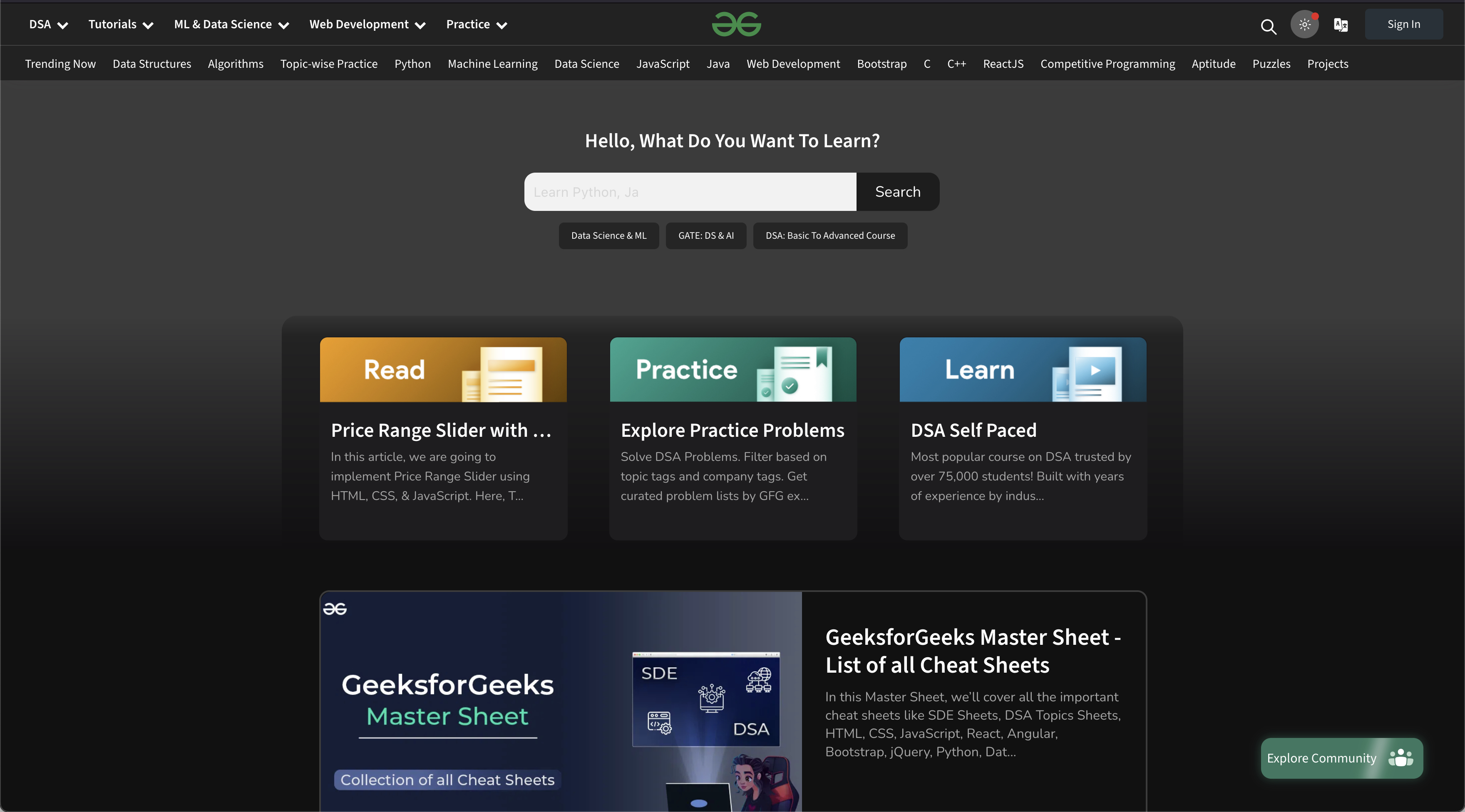
https://www.geeksforgeeks.org/
Discovered this gem today and it’s already proven incredibly useful. Geeks For Geeks caters to all skill levels, making it particularly beneficial for beginners in tech and digital product development. The articles are easy to follow; often grounded in real-world scenarios, thanks to contributions from tech-savvy professionals.
What sets Geeks For Geeks apart is its depth—it goes beyond tutorials and code examples. The site explores algorithms, data structures, system computing, and system programming, offering a more comprehensive learning experience compared to typical “tech magazine website” tutorials. If Geeks For Geeks isn’t in your bookmarks, you’re missing out on a fantastic resource. Explore their library; you’re sure to find something valuable.
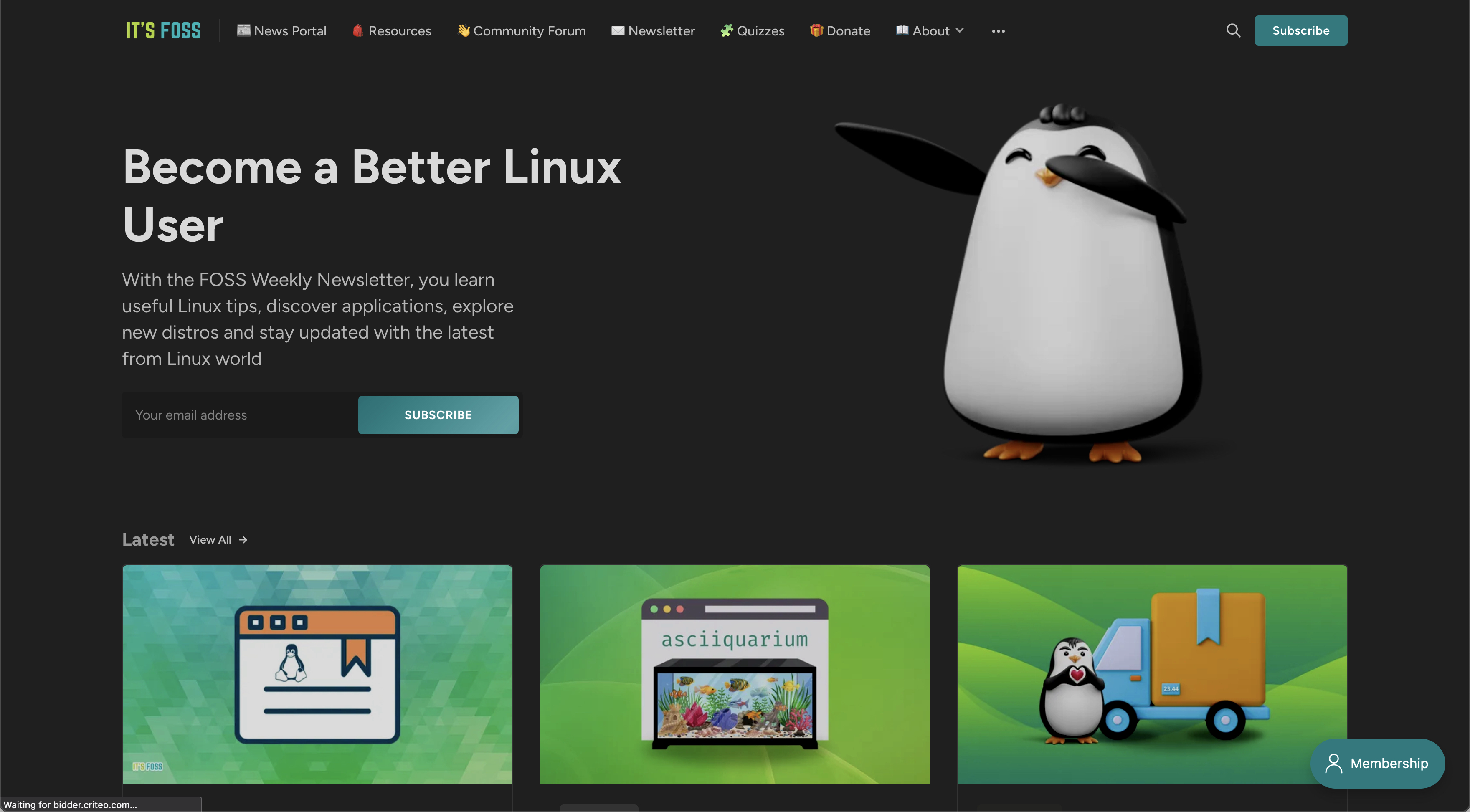
As a Linux enthusiast, navigating the vast amount of information out there can be challenging. Its Foss, however, comes to the rescue by providing a wealth of resources for Linux users. Whether you’re looking to understand the Linux file system or delve into complex tasks like editing fstab and writing bash scripts, Its Foss has you covered.
Its Foss caters to both experts and beginners, offering valuable insights into all flavors and sizes of Linux. If you’re passionate about Linux and open source, this site is a treasure trove of knowledge.
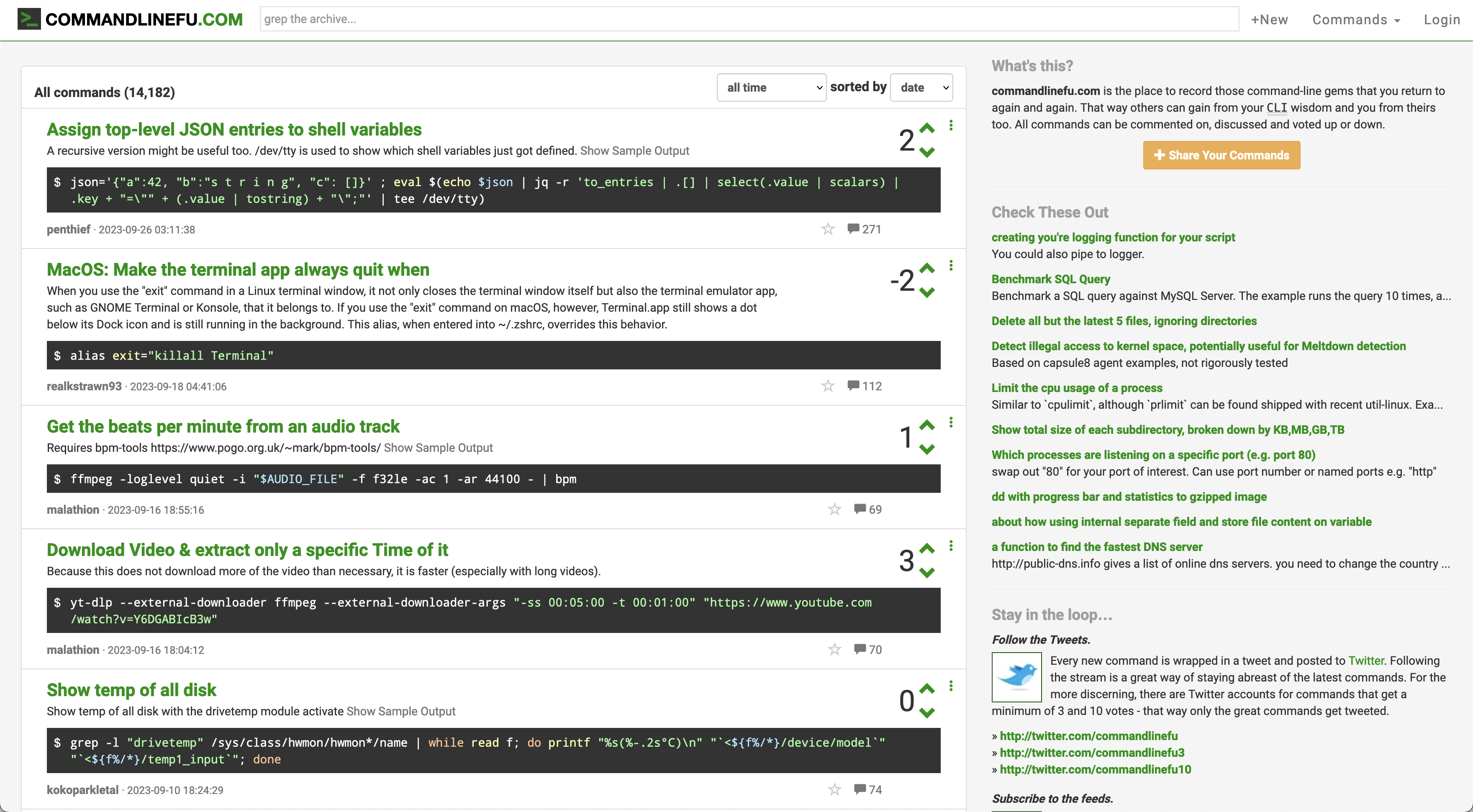
While not a recent discovery, Command Line Fu remains a valuable site over the years. Geared towards a more advanced audience, it’s an excellent resource for anyone looking to master the terminal, a fundamental skill in computing. Command Line Fu lists popular and useful command line inputs sourced from users worldwide.
For aspiring software professionals, understanding the terminal interface is crucial, and Command Line Fu provides valuable insights, whether you’re in the terminal all day or only occasionally.
I’ll be back next week with another list for you all to check out. Have a wonderful week and good luck in all your ventures!😀
At the beginning of the summer I began a project that I believed would take me about a month to complete. Now, at the beginning of November, I am finally shipping version one of this project. Join me for a retrospective look at making my personal site a Hugo generated static site.
First, Hugo’s ease of use is a bit deceiving. On the surface it seems to make short work of putting a static website together. You add content in the form of markdown files, and provide templates written in HTML, along with some Go Lang functions and methods peppered in there to provide the “automation” of static site generation.
This is really powerful, but I found myself lost at first. I had diligently gone through documentation and was convinced I “got it”. However, when I finally started coding my own theme, things got a bit difficult. I found that I could not get the templates I was developing to do what I wanted them to do. Content was not being rendered the way I expected and frustration began to set it a bit.
All of a sudden the documentation that I thought I understood was reading like a foreign language. I needed better examples. I then went to find some premade themes on Hugo’s website. Their theme gallery provided quite a bit for me to choose. I found a few that looked good to learn from and I could reverse engineer, just to get the gist of how Hugo builds static content. This was incredibly helpful and where I should have started instead of jumping right into coding my own from scratch using only the documentation to guide me.
I also was very grateful to find there is a large community of Hugo developers that provide help to those who need it through the Hugo forums . As a supplement to the forums I found only a couple of developers blogging about Hugo. One of the most helpful sites I found was Regis Philibert His posts helped me make sense of the content organization and hierarchy. I am still not clear on how a few things operate but can say that I feel pretty comfortable at this point after reading the articles on his blog.
While converting the site from Hugo to Wordpress there were several stumbling blocks I had to overcome that took some trial and error to get through. This is largely due to support for Hugo being isolated to the forums or a handful blogs that are writing about their experience with Hugo.
The Hugo documentation is incredibly informative and helpful. Throughout the construction of this site, I had it readily available for reference in a browser tab. However, it helps if you are a bit more familiar with how everything fits together. There is really no ecosystem examples or step-by-step instruction. If you are not so versed in front-end technologies you may have an even bigger learning curve.
As mentioned above this shortcoming was overcome by viewing the code of some of the premade themes. Coupled with browsing and searching subject matter in the forums one is able to find a good primer for using the documentation to its full potential.
One of the most important things to understand in Hugo is how content is managed. This means understanding page “leafs” and “bundles” which can be a bit confusing until you get some real world examples going. Thankfully I found this wonderful article by @kaushalmodi about halfway through my third frustrating day messing about with it all.
If you can get a good grasp of page bundles then you can master a lot of the power Hugo has to offer.
If you are building a blog or a site that needs several content updates per week or even month, deploying those changes can be a bit cumbersome for newcomers. There are several avenues one could take depending on their web environment. Netlify, is incredibly popular with the community but you can publish your site to any service you choose. and getting things up and running with the static site on an S3 buck
Personally, I use AWS for my projects so I stuck with it when I went to deploy. It took me a bit of time to get it all worked out as there is really little in terms of documentation for this on Hugo’s website. This article by Nickolas Kraus gave me a ton of help and furthered my understanding. While that piece got me out of the deployment weeds I think I may to a different setup using AWS Amplify. I am currently exploring that avenue.
I love Hugo and what it has to offer as a static site generator. If you have the desire to move off of a CMS like Wordpress or Drupal, it provides a lot of what you need without all the backend hassle. Now, if you are new to web development in general, it is not going to be easy to pick up. However, I do believe if your desire is to build business, marketing, and blog type websites, learning how to use a static site generator like Hugo is a good idea.
I have been thinking about moving away from Wordpress and convert this site to static HTML generated by some kind of framework. There are many reasons for this, not least of which is the security leaks that come with using Wordpress. Going static will also mean virtually no updates needed to the server, no database updates or the need for any specialty plugins. So this month I have given myself the challenge of migrating this site away from Wordpress, and learning Hugo to generate a static HTML version of my blog. Before I get into this I want to just point out, this is not a tutorial or walkthrough. More of an opinion from a designer/front-end dev.
Not long ago, while exploring a friend’s company website , I asked him what they used to manage their content. I noticed they had blog posts, and I know that this person would never allow their company website to be written in PHP. This prompted me to ask him about it, at which point he gives me the skinny tour of their setup, including the infrastructure, and introduced me to Hugo. After doing a little more digging about how Hugo works and how to get a static site to look the way I wished, I was convinced it was the right direction.
This project not only allows me to learn a new way to produce rich content websites, it also gives me the opportunity to audit and consolidate a lot of dirty code that I have amassed over the years on my site. I also get the chance to develop a new development jig for coding front-end sites. Lots of upside.
Hugo is written in Go , however you do not need to be fluent or even know Go to benefit from its features. However you will need a good grasp on interfacing using the command line, as well as understand fundamental web programming concepts in order to really expand on what comes out of the box.
Despite Hugo having a sizable community of theme creators and a bunch of pre-made themes, I am going to roll my own so I can have more control of the foundation. Hugo uses .html files for the guts of the setup. They can be used to template whole pages or as partials which can be utilized as components. Hugo projects are configured using .toml files but you can easily use .jsonin its place. I am sticking with .json for this current project because I am most familiar with its syntax. However I can see the simplicity of .toml and may dive into that later.
As for content, like blogs, Hugo uses markdown files that you publish to your server via the command line. They live on your local machine or you can alias the source files to have them live wherever you please. This replaces the need for a database maintain, along with all the taxonomies and such. When you are done updating your content, Hugo packages up the changes and publishes them to your web server.
Up to this point, I have read about 60% of Hugo’s documentation and installed it on my Mac and PC using Homebrew and Chocolatey respectively. The set up of a new local site is really easy, as is setting up the foundation needed to use a custom theme. Hugo basically comes with nothing unless you get a theme installed. I mean, there are directories and placeholders files that get created when you run the command, "hugo new site nameofyoursite" but when you run the server you get a blank screen with no console output. You essentially have to build your site framework from the ground up. Which is just fine with me to be honest. This is what I wanted—something light and simple that would allow me to dictate the build process and manage my content.
While Hugo has modules that it uses to automate tasks such as converting SASS into CSS, or consolidating javascript; I have elected to write my own automation using Gulp until I have a better understanding of the Hugo modules that are available for use.
I have a working template that I pieced together using this article . I have also setup the basic Gulp tasks, added Bootstrap and Font Awesome. Next up is to build out some more theme pages (About, 404, etc.) then get a server environment setup to host the site on AWS within the next week. At that point I hope to share my progress via a follow up post.
If you would like to learn how to use Hugo I suggest you go to their site and get familiar with their documentation . Follow the quick start guide and you will be on your way. If you have experience setting up back-end systems for your website you should be able to grasp what is happening. Just experiment as I am doing and you will undoubtedly learn from the experience.
Wallpaper Wednesday is a practice I have not done for many years. In the early days of Indy Hall I would put out a digital wallpaper each week. This helped me stay fresh with design and the suite of tools I use on a regular basis. It also gave me the freedom to explore concepts I normally would not be able to while completing client work. I am humbly attempting to revive this practice with this initial release of the new Wallpaper Wednesday.
This week’s inspiration: Destiny 2 character, the Warmind
I have been using my down time to grind out some missions in Destiny 2 to prepare for the new expansion dropping in November.
A huge part of these missions is running around the system doing tasks for the Warmind AI named, Rasputin. In the game, the Warmind is a sentient, artificial intelligence built by humanity to protect us and the solar system from interstellar threats. While the concept is literally out of this world (the Warmind resides on Mars.) The game designers added some interesting designs to the terminals scattered all over the system, in so much that they used ASCII inspired designs. This, in turn, inspired me to create some digital wallpapers for mobile and desktop, featuring some of the symbols that represent the Warmind and various subroutines.
If you do not play Destiny this will all sound like a bunch of hooey. However the designs of these wallpapers are for all to enjoy. Even more so for those who play Destiny.

Been a minute since I published one of these. Below are some sites I found during my travels around the internet, that digital product designers and fellow technophiles may find helpful or interesting.
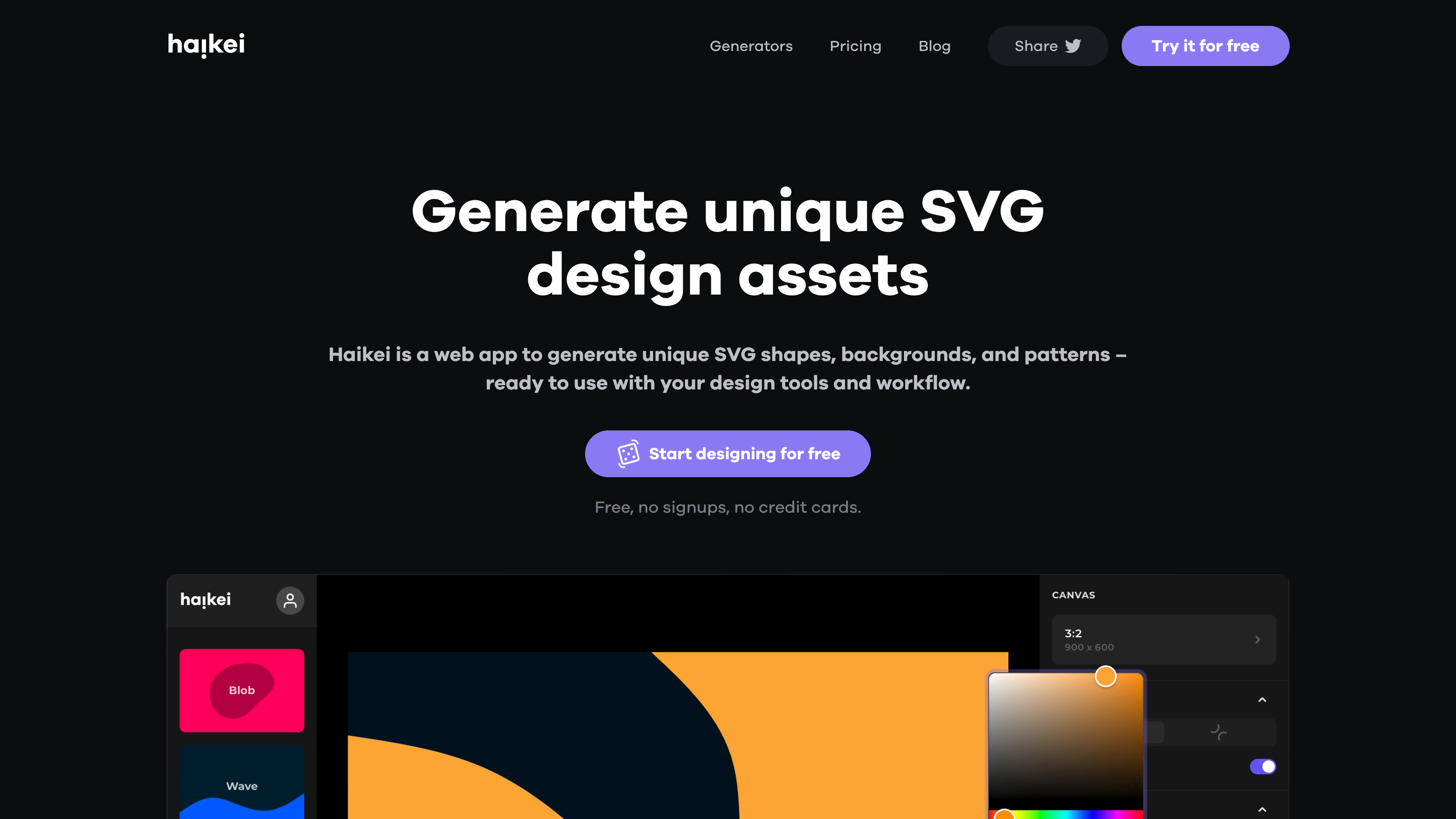
Haikei App is the evolution of two web projects by Z Creative Labs ( https://zcreativelabs.com/) . It is a FREE web app that helps produce unique SVG design assets for use in your web projects.
https://evilmartians.com/chronicles/how-to-favicon-in-2021-six-files-that-fit-most-needs
While we are in the throws of updating the development stack for myClin I wanted to see what was passing for favicon standards these days. While one could get away with just the 16x16 pixel seen in the tab above. There are many other devices and screens to consider. Not to mention the rise in “dark mode” options in modern web applications.
If you are designing products for the web or really any application, you should give this one a read.
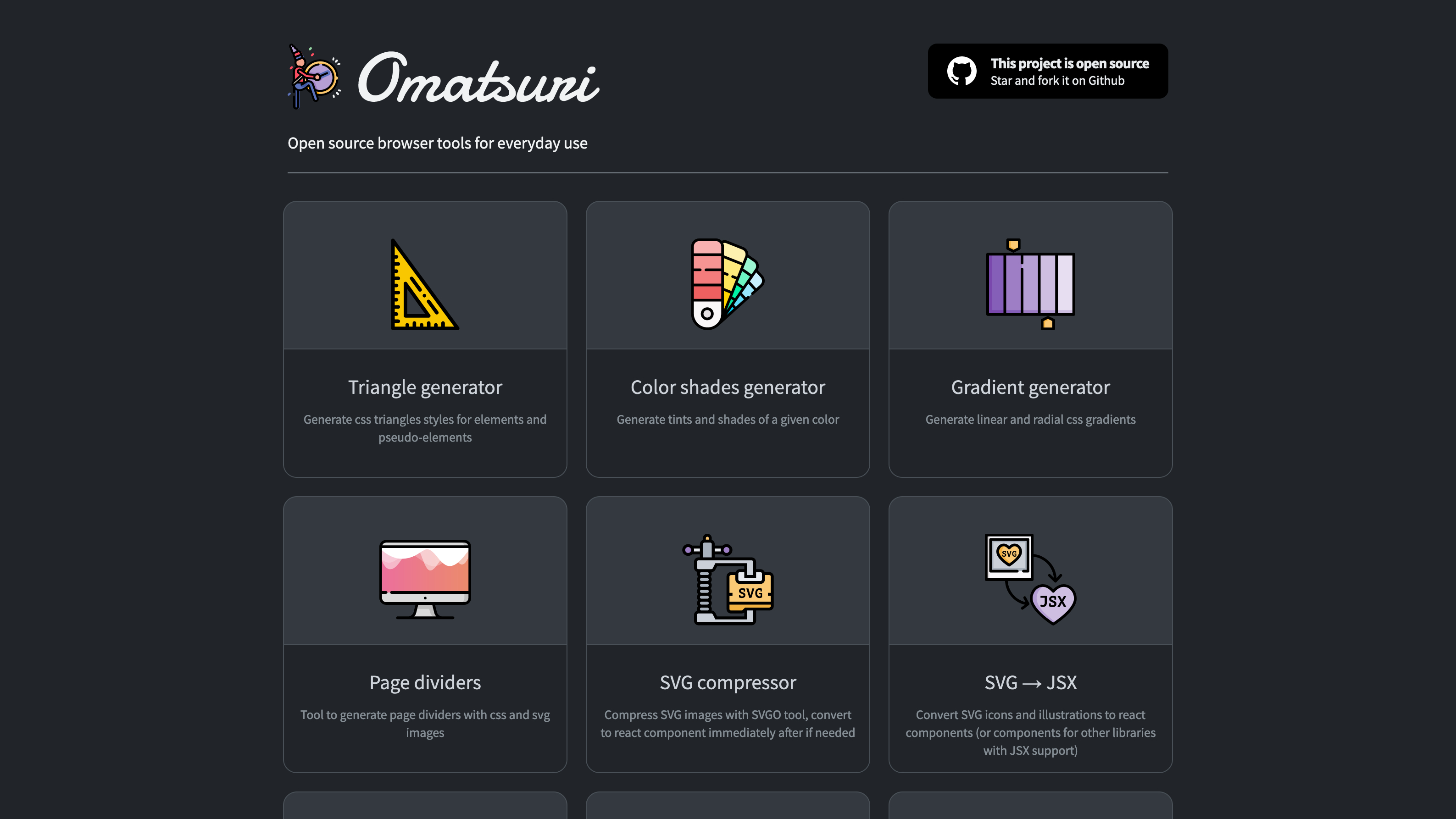
This is a convenient set of open source tools for modern web developers. The concepts are fairly simple but real time savers when you are working on your projects. I find the JSON data generator particularly useful when making prototypes.
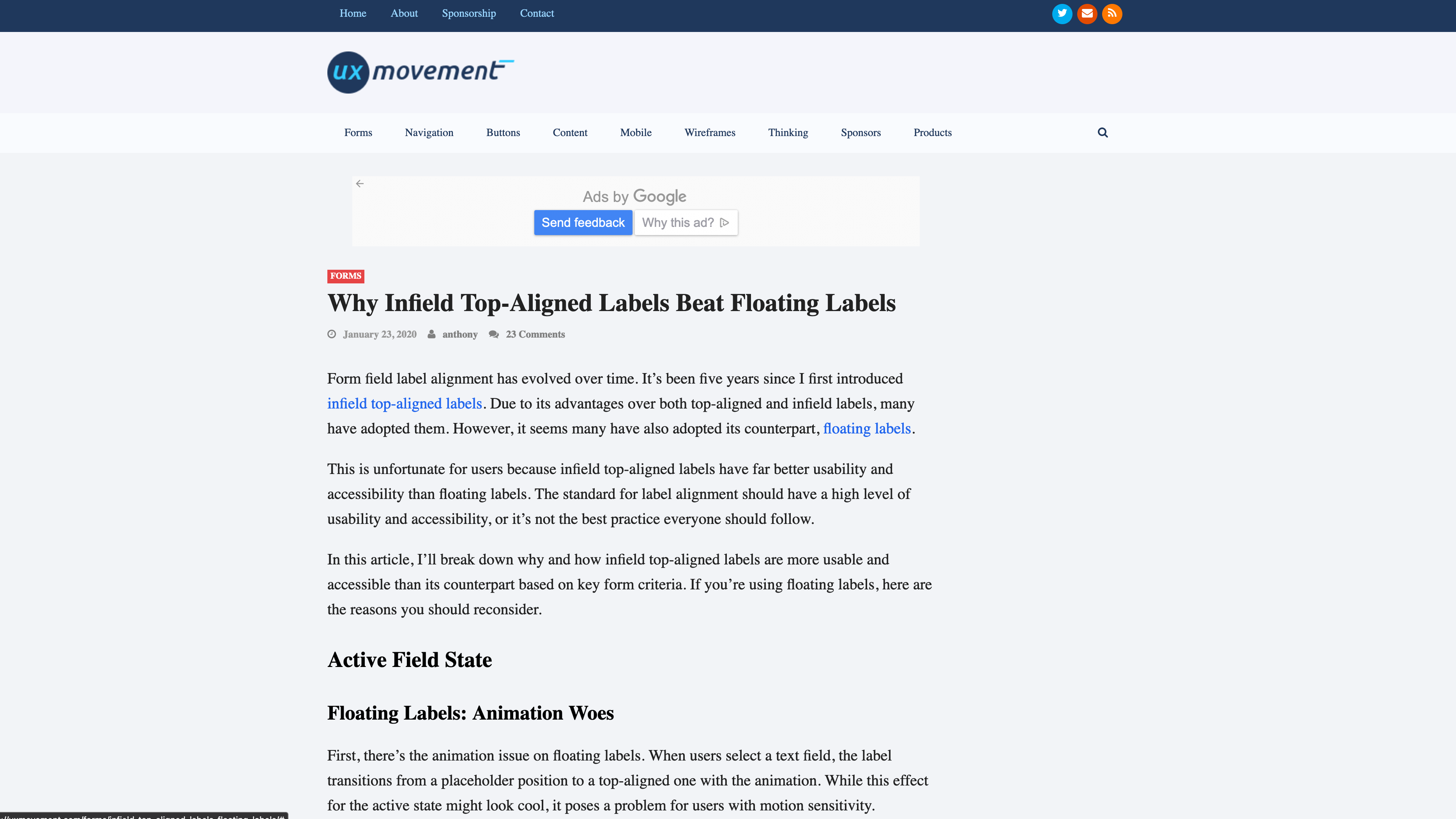
https://uxmovement.com/forms/infield-top-aligned-labels-floating-labels/
Accessibility had finally become an important consideration when developing software no matter what platform is being used. This article on uxmovement.com reveals some important guidelines when creating accessible form fields that are optimized for legibility.
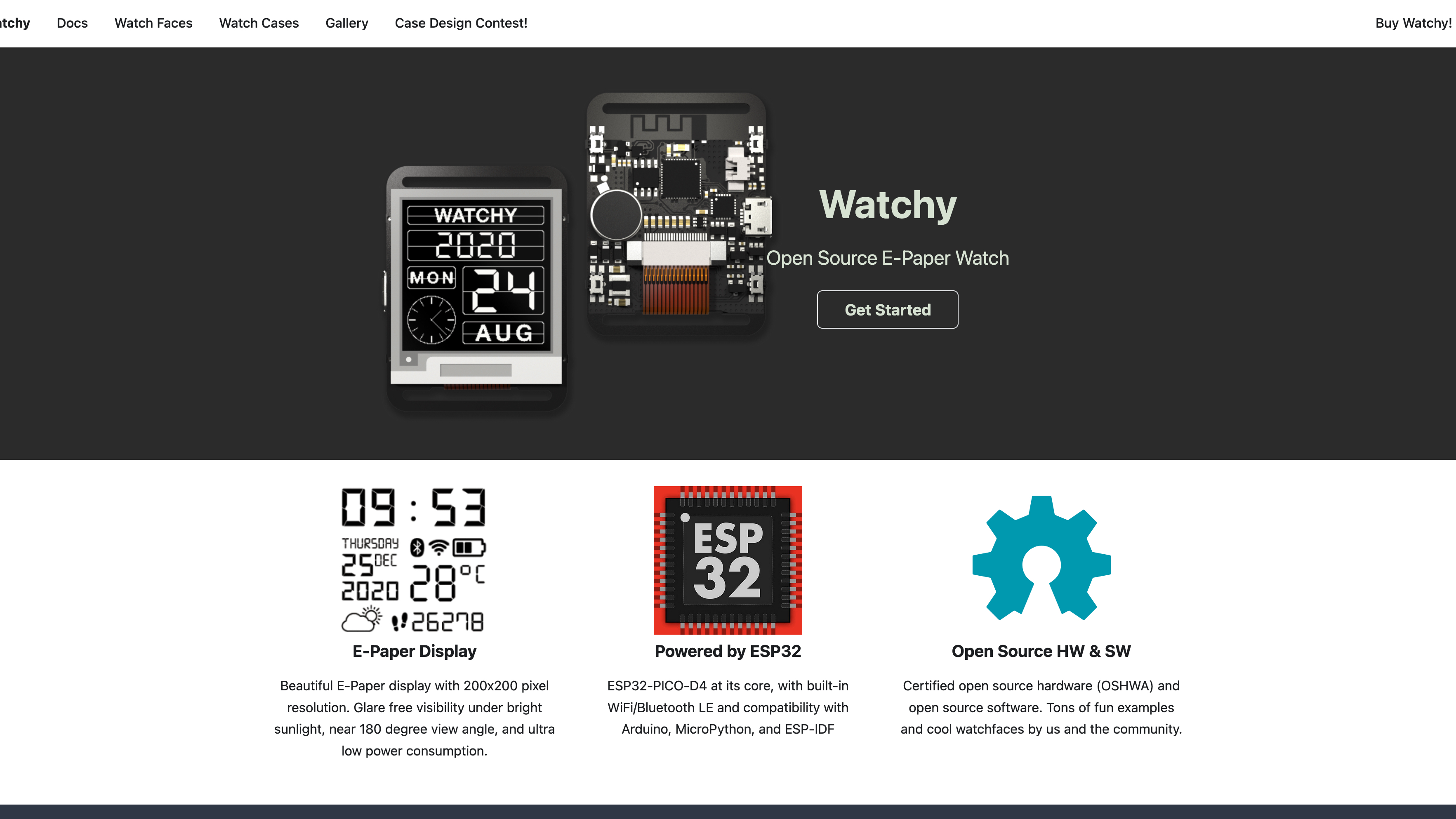
Finally, a smart watch concept I can get excited about. Watchy is an e-paper display, hackable smart watch built on Raspberry Pi Pico tech, this is a technophiles dream watch. I ordered one immediately although do not anticipate its arrival until early summer. Still, for $60, it seemed to be worth it.
Testing the viability of a product or service can be tricky. However, in my experience, I have found that if you explore the answers, provided by two fundamental questions, you can get to a final proof of viability. As well as gain a great foundation for the success of your business, its marketing goals and its customer support.
Question 01: What problem does your product or service solve?
The best products and services in history are supremely successful because they proverbially, scratch a certain itch, felt by enough people, to make a viable market. At times this market is well established, other times it is brand new. Either way, asking yourself if your product or service makes the problem easier to deal with or disappear completely, is a fundamental step.
As you begin to try and answer this question, inevitably, others will arise from it—Have others tried to solve this problem? If they have, what mistakes have they made? Is there enough need for the problem to be solved? I could go on and on.
What you are gaining from the answer to all of these questions is actionable data. This is essential to good decision making as well as good design. With this information you can better adjust the solution to better define and focus your idea and simplify the solution to the problem.
Question 02: Who does your product or service solve the problem for?
As mentioned above, the itch you need to scratch must be felt by enough people to make a viable market. This viable market is relative, not only to the amount of people that need their problem solved but also who those people are who need it solved. Creating a medical related device has a smaller market base than a software solutions provider, but both could equally be multi-million dollar businesses.
When answering this you should not just stop and finding out why these people want or need this problem solved. You should be getting as detailed as you possibly can about who they are and what they want in a solution. I have found the “personas and scenarios” method to be incredibly helpful when exploring the wants and needs of a perceived market segment. This is done by identifying the different personas who would want or need the solution—Are they mostly men, women or gender neutral? What is their age range? What is their occupation? How do they spend their day? Again, I could go on.
Once you have established these personas, you should be able to develop various scenarios where each persona would benefit from the solution you are providing. This exercise provides helpful data in establishing which scenarios are the most common and stand to benefit the most. Again you now have the ability to make a more informed decision about how and where to focus the solution.
Conclusion
In the quest to find the viability of a product or service you would do well to explore the questions above. Data provided by your answers to these and subsequent questions they spawn, cannot only help you decide whether the product or service is viable, but also give you the foundation needed to build your product or service. This information is useful when applied to many facets of your business from marketing and sales strategy to financial planning and business operations.
With the answers to the questions above you will have a more stable foundation on which to build your business idea. Don’t limit your chances for success by not investing the time to fully explore all the paths they lead you down.
Thank you for visiting my site. I hope you found something useful or interesting. Please use this form to send me any feedback, questions or just to connect. Have a wonderful day!