
Issue two of The Product Stack is here. Six more finds across design, development, and the tools that make both a little less painful. Let’s get into it.
UserOnboard
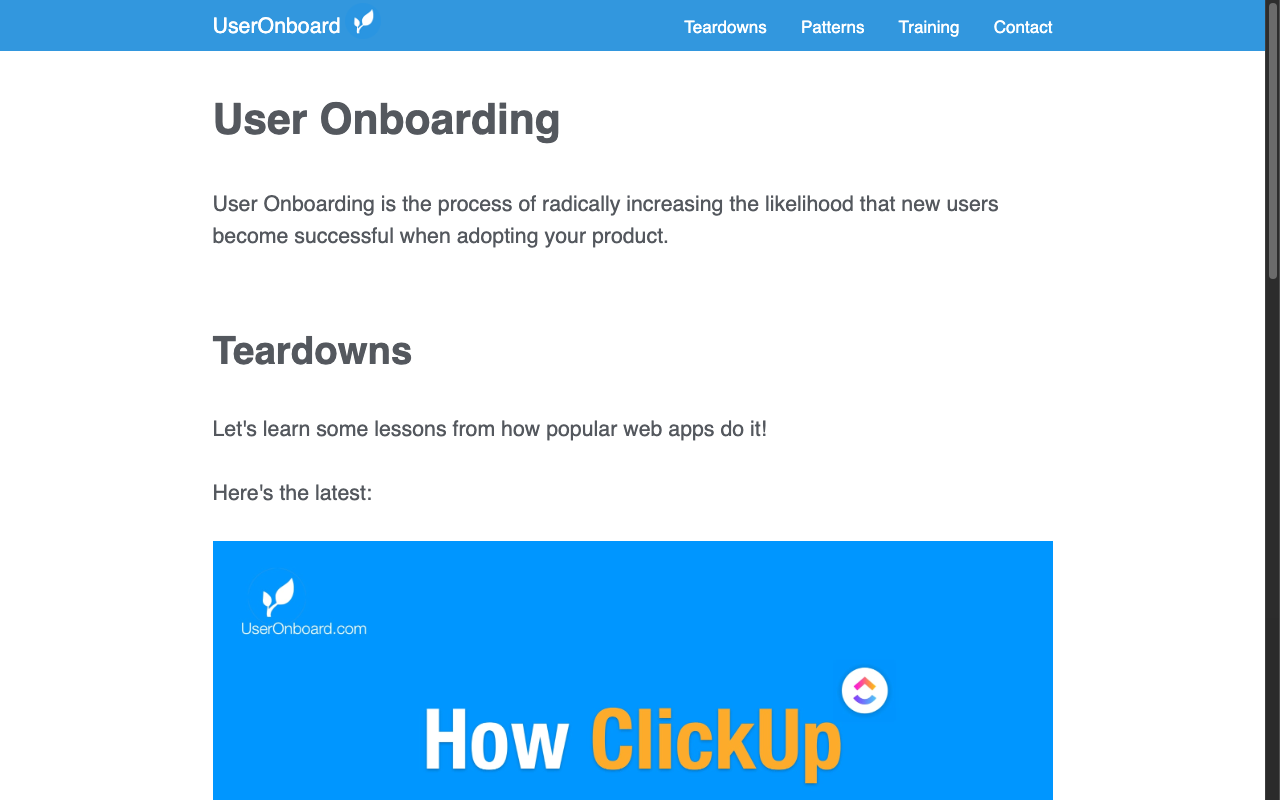
If you design or build software products, understanding how users get started with your product is one of the highest-leverage things you can study. UserOnboard is a library of detailed teardowns showing exactly how popular apps like Zapier, Canva, SavvyCal, and dozens more, handle their onboarding flows. Each teardown walks through the experience step by step with annotations explaining what’s working, what isn’t, and why. It’s part design critique, part product education, and it’s one of those resources that makes you immediately want to go revisit your own onboarding. Required reading for anyone who owns the new user experience on their product.
Transparent Textures
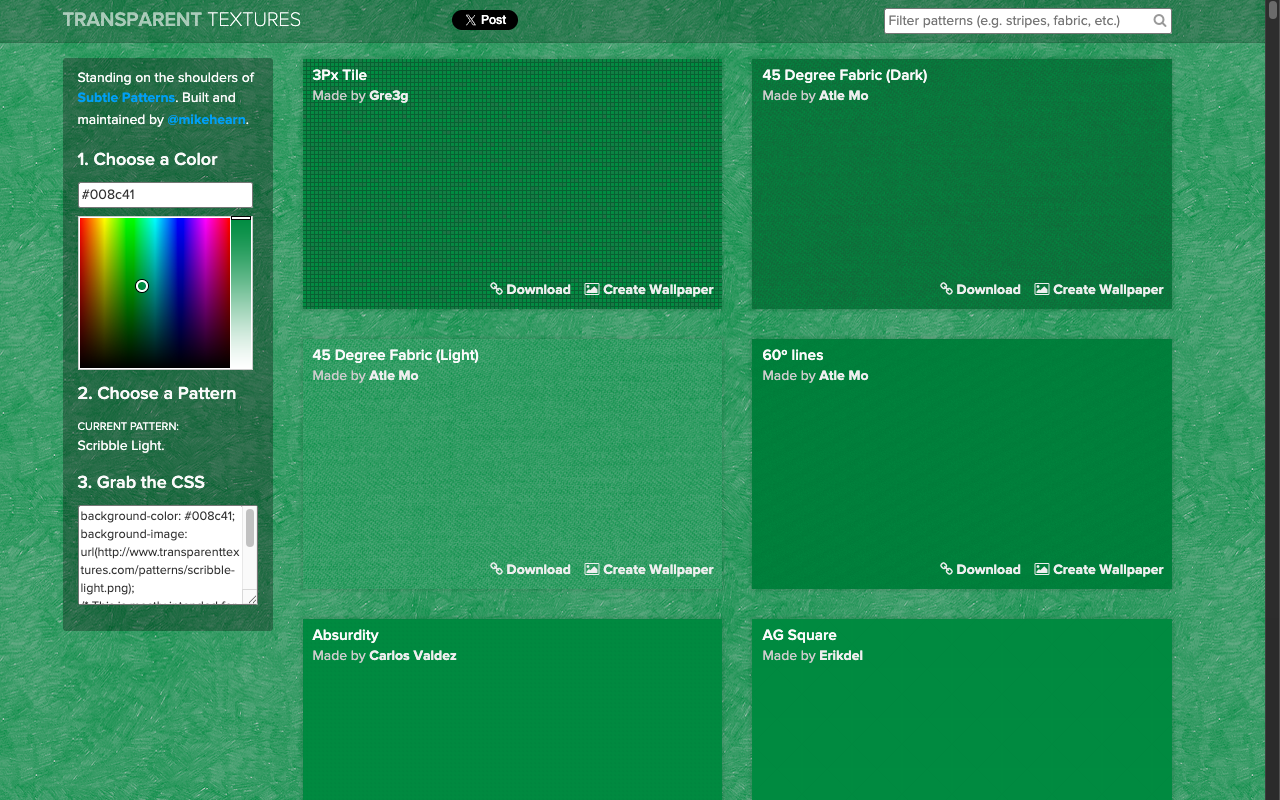
Sometimes a flat color background just isn’t enough, but a full graphic feels like too much. Transparent Textures sits squarely in the middle it’s a library of subtle, tileable PNG textures you can layer over any background color to add depth and visual interest without overwhelming your layout. Pick a texture, choose your color, and you’ve got a clean, classic textured background in seconds. The patterns range from fine linen and woven fabrics to geometric grids and paper finishes. It’s an old-school resource that’s been around for years, and it’s still can be one of the fastest ways to add a professional polish to a UI or landing page.
Sub-Reddit to Follow: r/DigitalEscapeTools
Link: reddit.com/r/DigitalEscapeTools
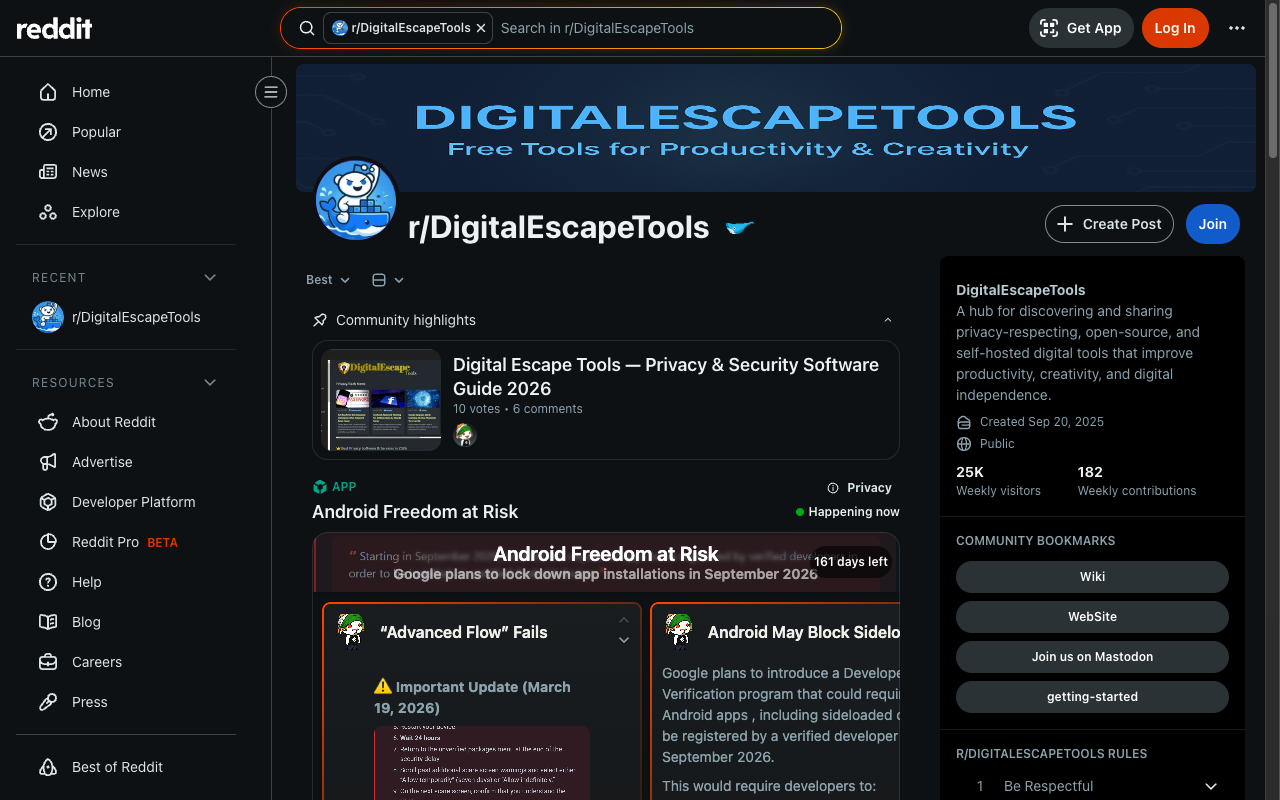
The attention economy is designed to keep you hooked, and r/DigitalEscapeTools is a community dedicated to fighting back. Members share tools, apps, and strategies specifically built to help you reduce digital noise, set better boundaries with your devices, and take back control of your focus and time. If you’re a product builder, this sub is doubly useful as a window into what your users are actively trying to escape from. Which is valuable context for building products that respect attention rather than exploit it. Follow it for the tools, stick around and read for the perspective shift.
Git Repo to Star: Promptfoo
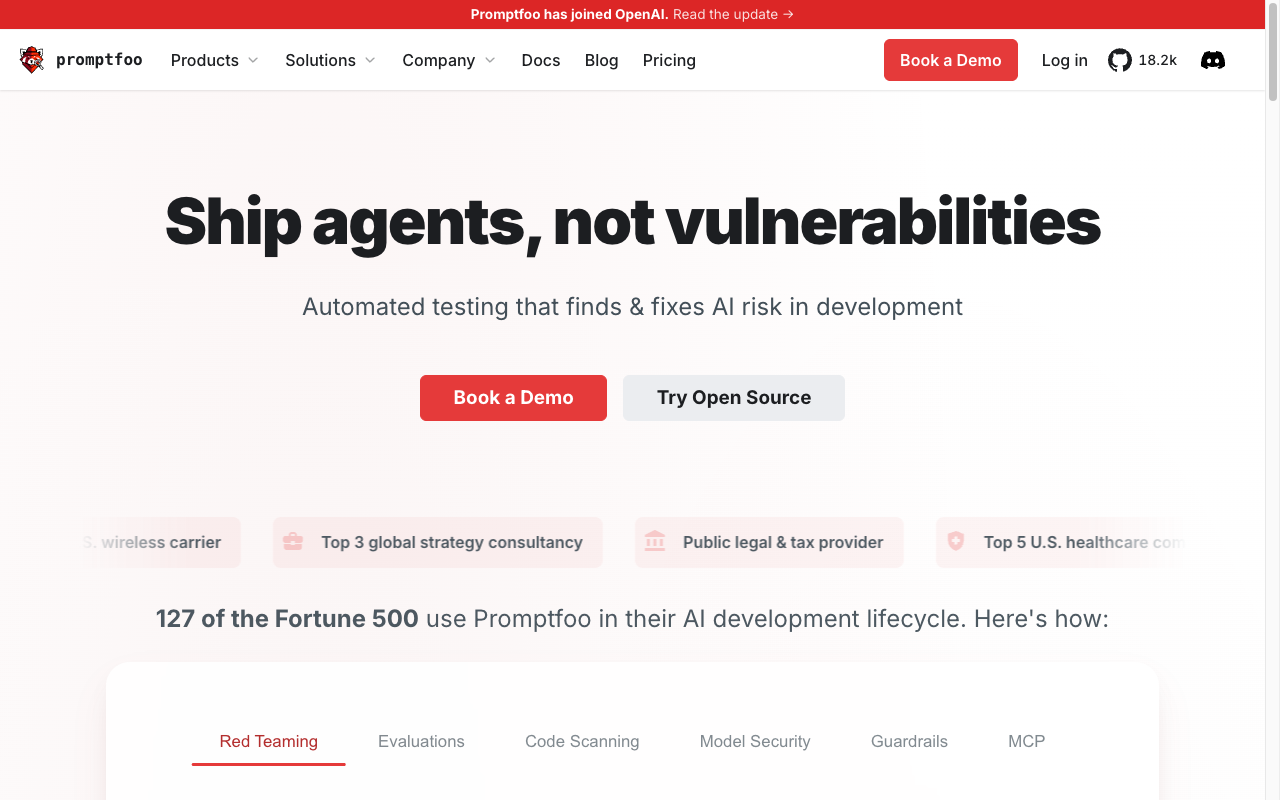
If you’re building anything with LLMs, you need a way to systematically test and evaluate your prompts, and Promptfoo is the best open-source tool I’ve found for doing exactly that. It lets you define test cases, run your prompts against multiple models, and score the outputs against criteria you specify, so you can catch regressions, compare model performance, and iterate with confidence rather than gut feel. The CLI is clean, the configuration is straightforward YAML, and it integrates well into CI pipelines. As AI features become a standard part of product development, having a proper eval workflow stops being optional. Promptfoo makes that workflow accessible without requiring you to build it from scratch.
Cool Project of the Week: Tooooools
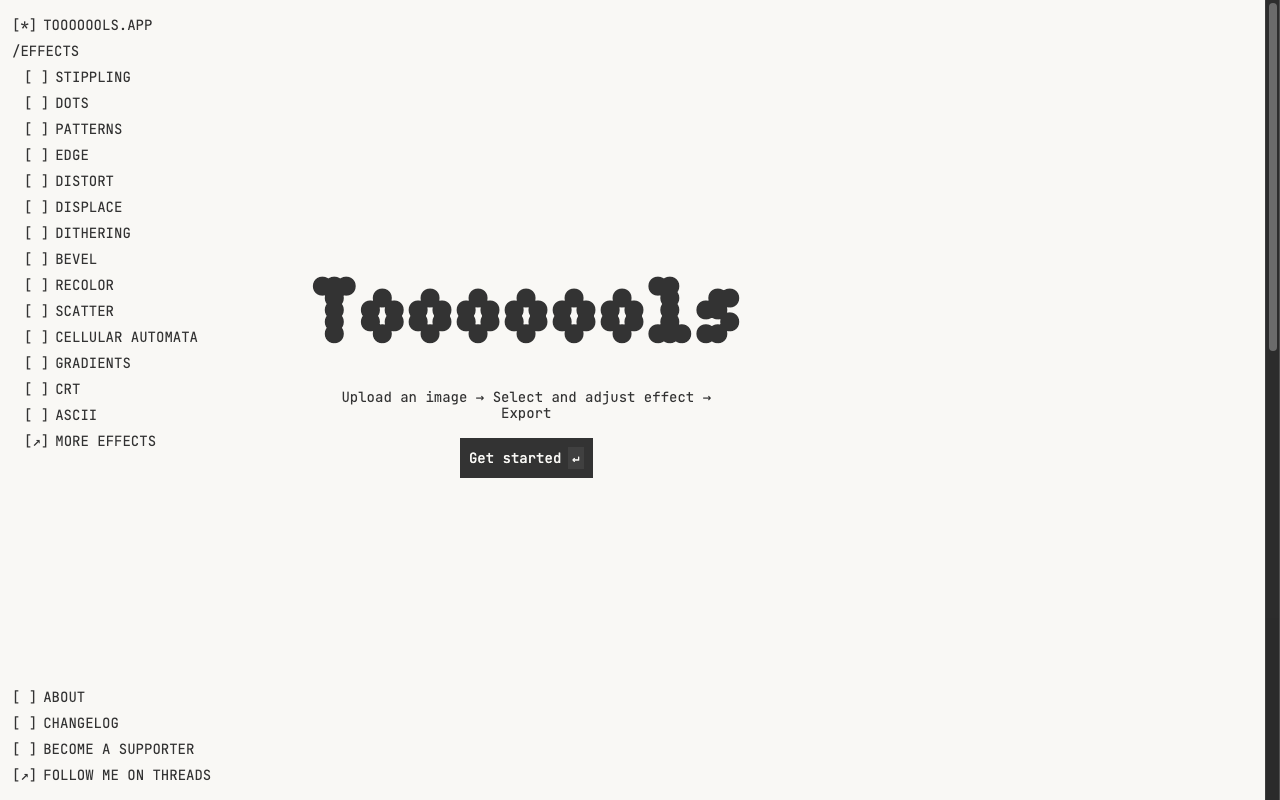
Tooooools is a browser-based image effects tool with a seriously impressive range like stippling, dithering, ASCII art, edge detection, cellular automata, CRT filters, and more. You upload an image, pick an effect, dial in the settings, and export the result. It’s free for personal and commercial use, no account required, and the output quality is genuinely good. For designers looking to add distinctive, processed visuals to a project without spinning up a full creative pipeline, this is a fast and fun option. The name has entirely too many O’s in it, which is the correct amount of personality for a tool this enjoyable to use.
Must Have Tool: Bash Prompt Generator
Link: bash-prompt-generator.org
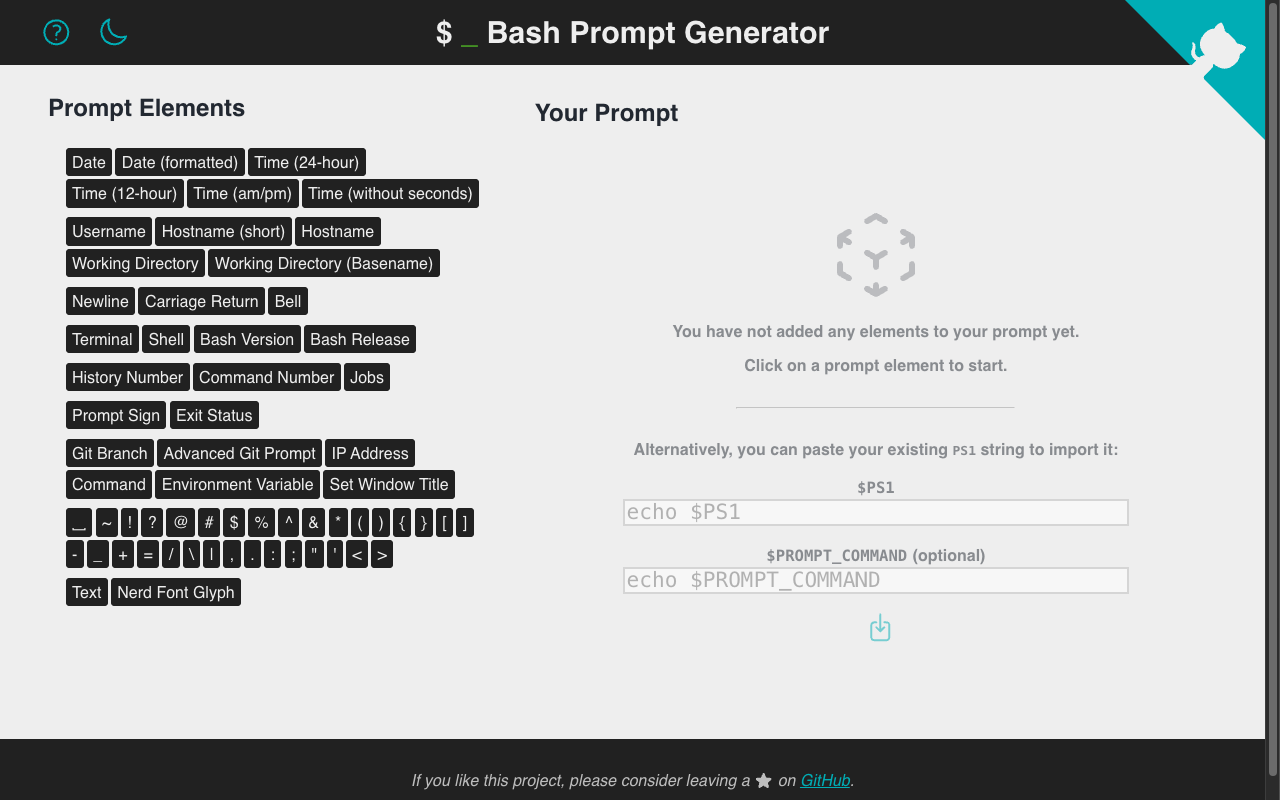
This is not a tool for generating LLM prompts in your terminal shell however it is a tool that will help you identify which terminal you are in and where you are working. While there are several different ‘shells’ these days, Bash is still the default on most, if not all ’nix systems. Bash Prompt Generator is a clean, visual tool for building a custom PS1 value, which is the string that defines what your shell prompt looks like. You pick elements from a menu (username, hostname, working directory, git branch, exit status, time, and more), arrange them, choose colors, and the tool generates the exact PS1 string to drop into your .bashrc or .zshrc. No memorizing escape codes, no trial and error. If you spend serious time in the terminal and haven’t customized your prompt yet, fifteen minutes here will make your daily environment meaningfully better.
That’s Issue #2 of The Product Stack. See you next week.