
Issue three of The Product Stack. This week leans into the terminal, open source alternatives, and a couple of tools that make both design and learning a whole lot more accessible. Let’s go.
design.dev
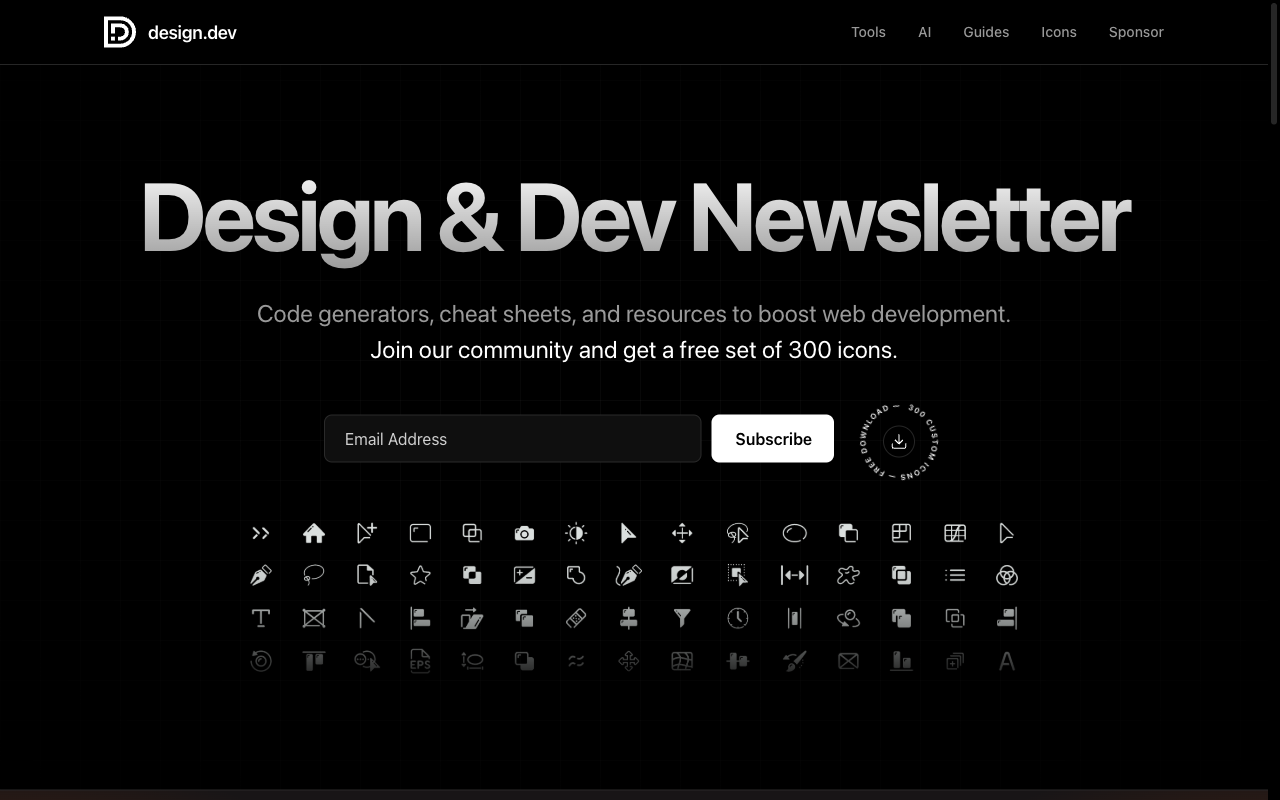
design.dev is a clean, well-organized collection of web development tools, code generators, and resources aimed squarely at designers and developers who build for the web. The homepage greets you with a searchable library of practical utilities, including a font size generator, a color contrast checker, animation helpers, layout tools, and more. All grouped by category so you can find what you need fast. There’s also a newsletter and a free set of 300 icons if you subscribe. It’s one of those bookmarkable sites you’ll find yourself returning to whenever you need a quick tool without wanting to build one yourself. The quality and curation here are noticeably higher than the average “dev tools” aggregator.
Codeberg
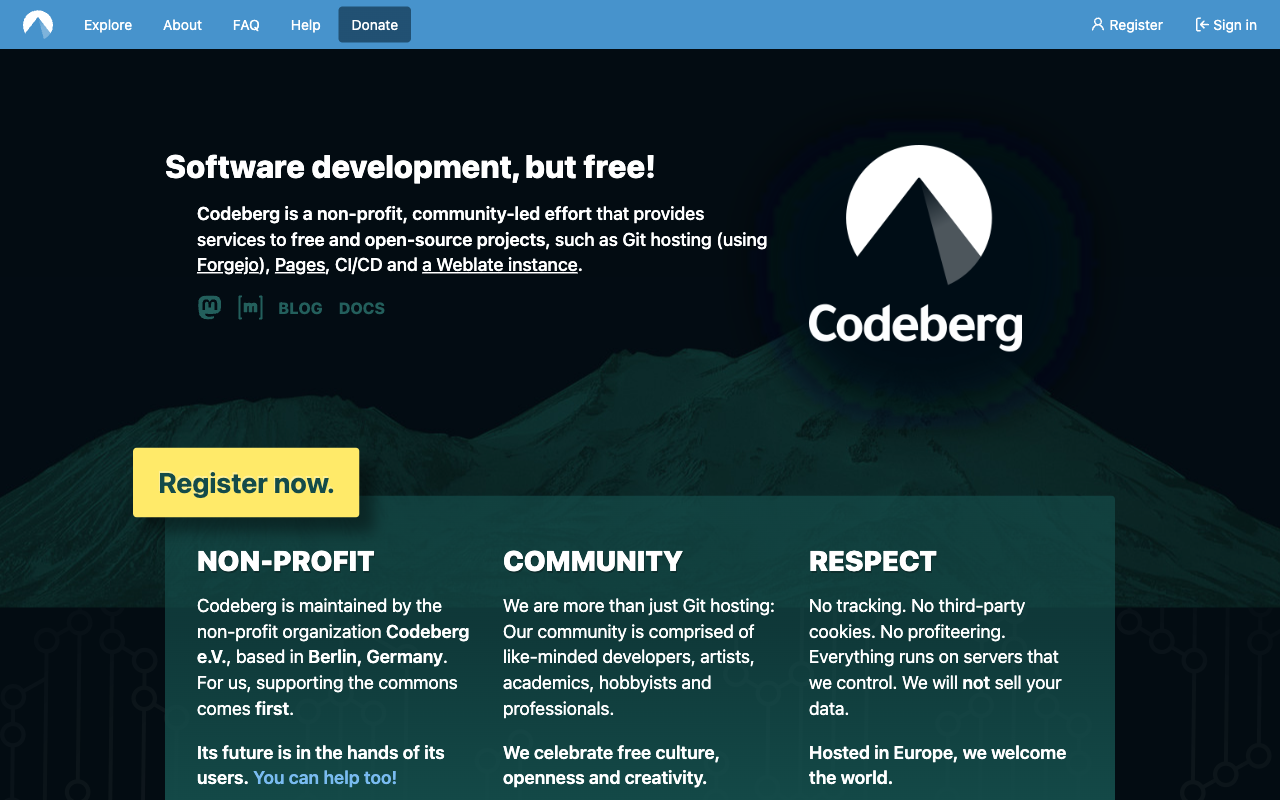
If you’ve been thinking about alternatives to GitHub, whether for privacy reasons, a preference for community-owned infrastructure, or just wanting to reduce your dependence on a Microsoft-owned platform, Codeberg is worth a serious look. It’s a free, non-profit-hosted Git service built on Forgejo (an open-source Gitea fork), and it functions exactly as you’d expect: repos, issues, pull requests, CI, wikis. The platform is run by a German non-profit, has no ads, no tracking, and is funded entirely by donations and membership fees. It’s not trying to be GitHub; it’s trying to be a reliable, ethical home for open source projects. If that resonates with how you think about your own work, the migration path is straightforward.
I have been using this for a couple of my own repos to test it out. So far there is little difference in terms of using Git from the command line. However, there are features GitHub provides that are still not pairitied on Codeberg. Things like gists, repo wikis and Actions don’t exist here. That does not make it any less useful. So far, I have found it to be a worthy alternative to GitHub for cloud hosted git repos.
Sub-Reddit to Follow: r/learnprogramming
Link: reddit.com/r/learnprogramming
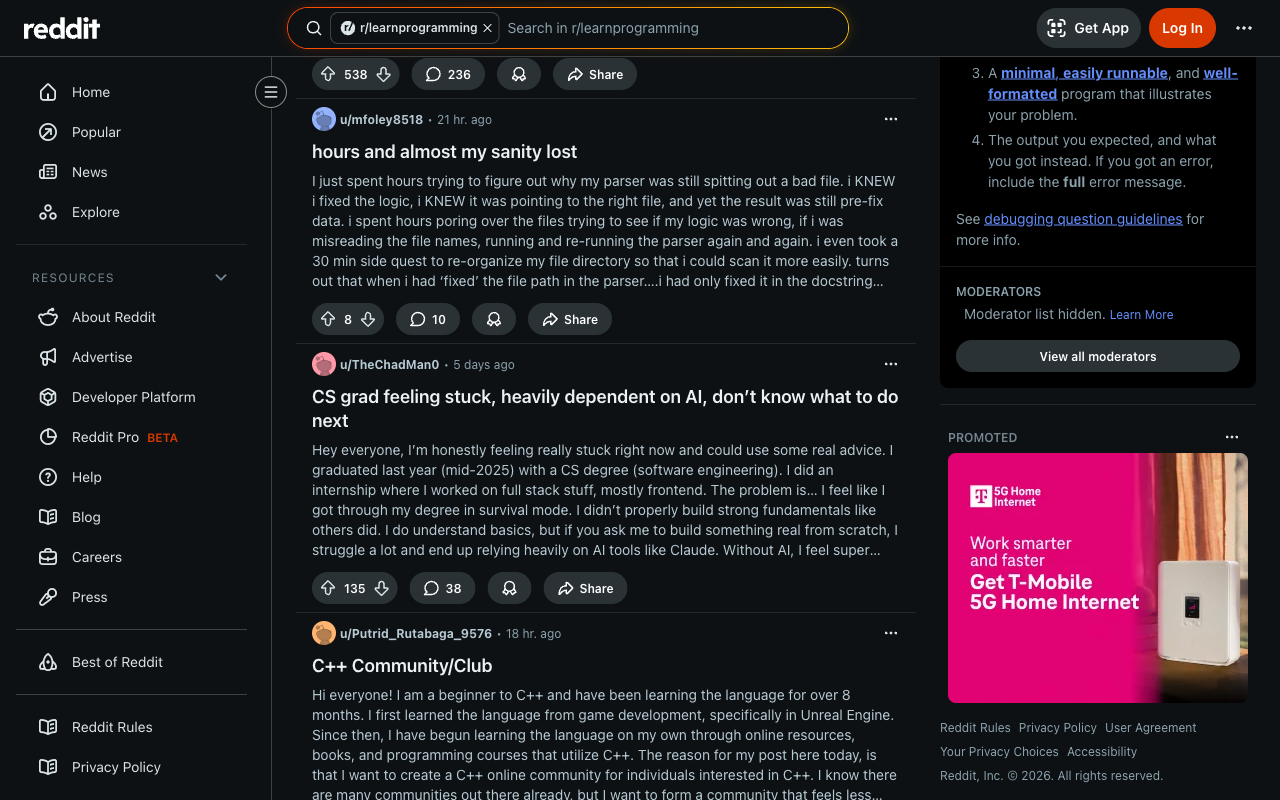
With over 4 million members, r/learnprogramming is one of the largest and most active communities for developers at every stage of learning. What makes it worth following even if you’re not a beginner is the signal it gives you on what concepts people consistently struggle with, what learning resources are actually working for people right now, and what questions come up over and over in real-world development. For anyone learning something new, the community is genuinely helpful and surprisingly low on gatekeeping for a technical forum of its size. However, if you are someone who teaches, mentors, or builds developer-facing products, this sub is a direct line into the learner’s perspective.
Git Repo to Star: Awesome TUIs
Link: github.com/rothgar/awesome-tuis
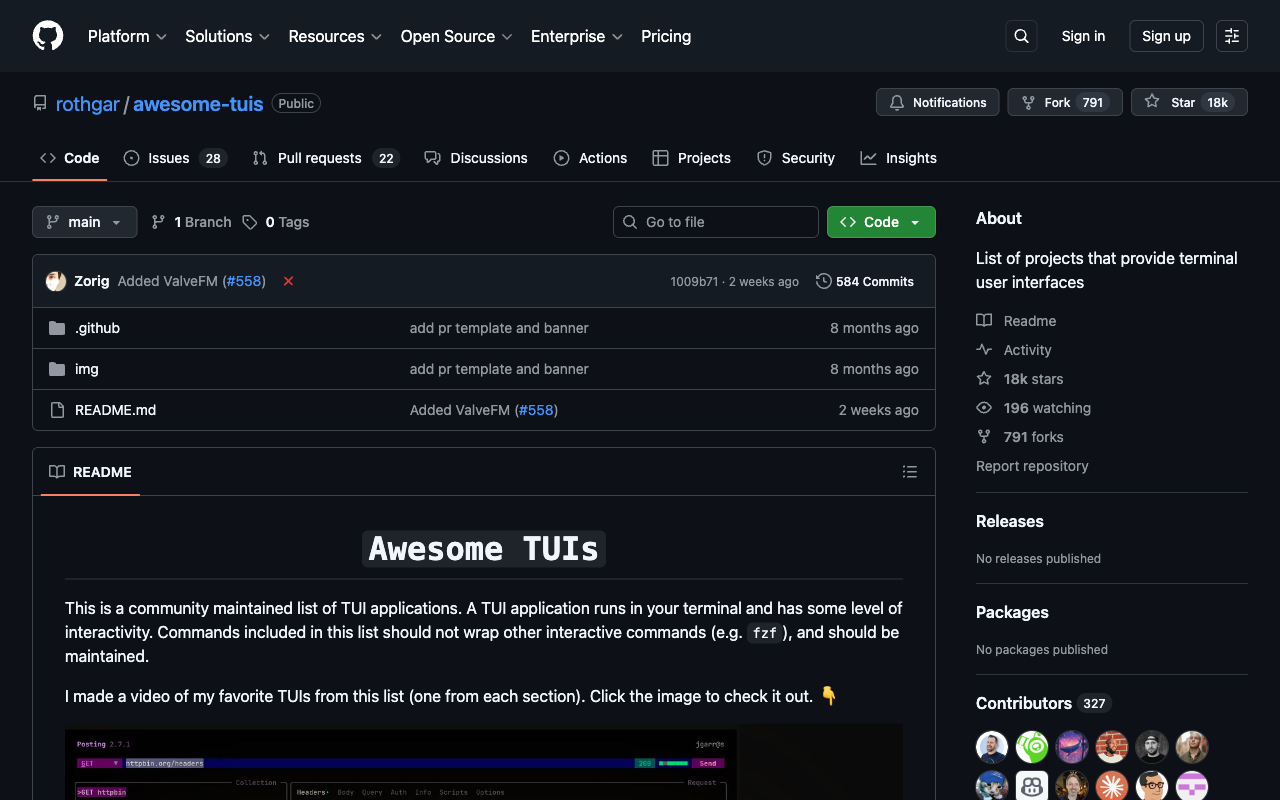
TUI stands for Terminal User Interface; software that runs in the terminal but behaves with the kind of structured, navigable layout you’d expect from a GUI. This repo is a curated list of the best TUI applications available, organized by category: file managers, development tools, media players, system monitors, productivity apps, and more. If you’re a terminal-first developer, it’s an eye-opening look at how much of your workflow could live inside the terminal with a better experience than you might expect. And if you’re building developer tools yourself, browsing this list is a useful reference for what good terminal UI design actually looks like in practice.
Cool Project of the Week: Terminally Online
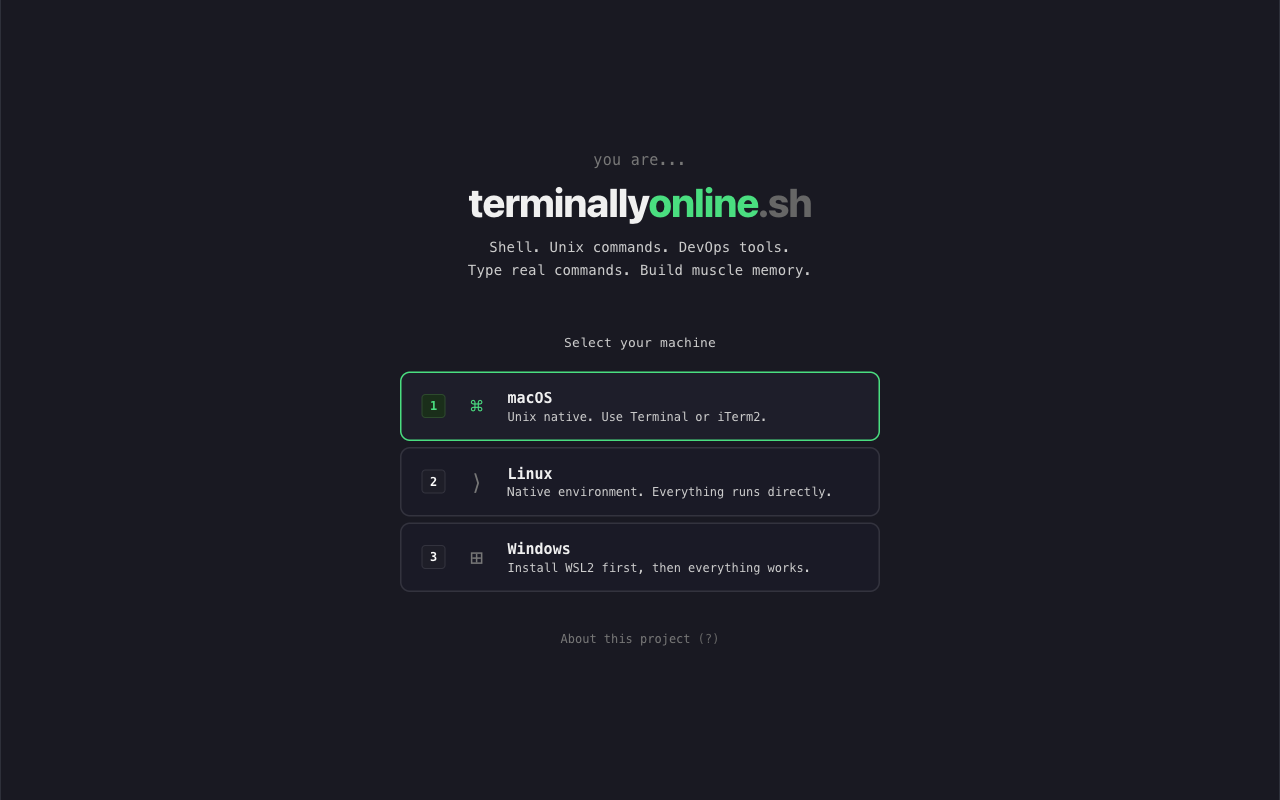
Terminally Online is an interactive, browser-based terminal training environment that teaches you real shell commands by having you type them. You pick your platform; macOS, Linux, or Windows with WSL2, and work through exercises that build genuine muscle memory for the commands you actually use within the terminal. There’s no hand-holding narration or lengthy explanations, just a prompt and the expectation that you’ll type. For developers who learned the terminal by copying commands from Stack Overflow and never quite built fluency, this is the kind of structured practice that closes that gap. It’s also a great thing to drop in front of a junior developer that needs improved command line skills. For beginners or those who have little to no experience working from the command line, this project is a wonderful tutorial and training ground, giving you the fundamental understanding needed in contemporary computing.
Must Have Tool: Google Stitch
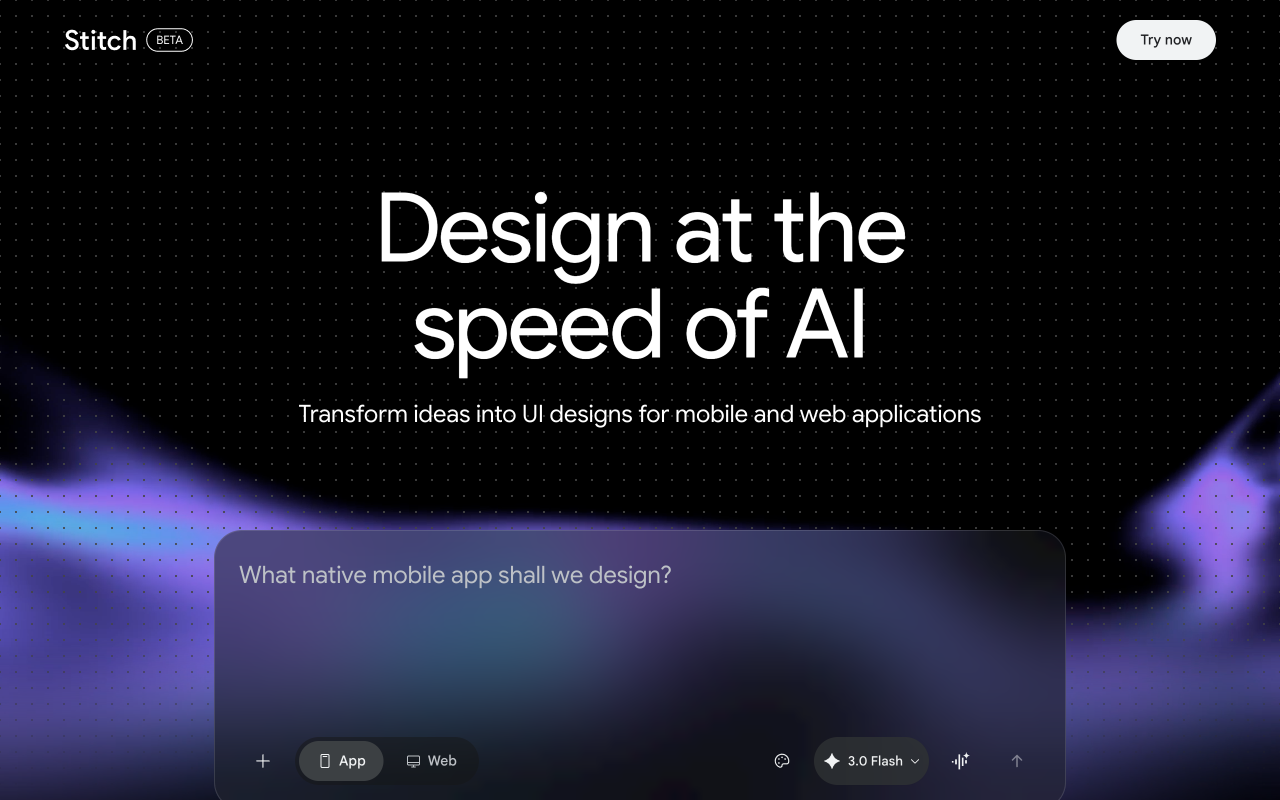
Google Stitch is an AI-powered UI design tool that generates mobile and web application interfaces from prompts and descriptions. You describe what you want; the type of app, the screen, the interaction and Stitch produces a visual design you can iterate on and export. It’s sitting squarely in the same space as tools like v0 and Galileo AI, but with Google’s design language and infrastructure behind it. For rapid prototyping and early-stage product ideation, it dramatically compresses the time between “I have an idea” and “here’s what it could look like.” Worth having in your toolkit even if it doesn’t replace your design process end-to-end; the speed at which you can generate and explore UI concepts is genuinely useful.
That’s Issue #3 of The Product Stack. See you next week.